 klyvero
Useful ideas. Everyday possibilities.
Short, practical guides to help you get small jobs done right: text, PDFs, images and more.
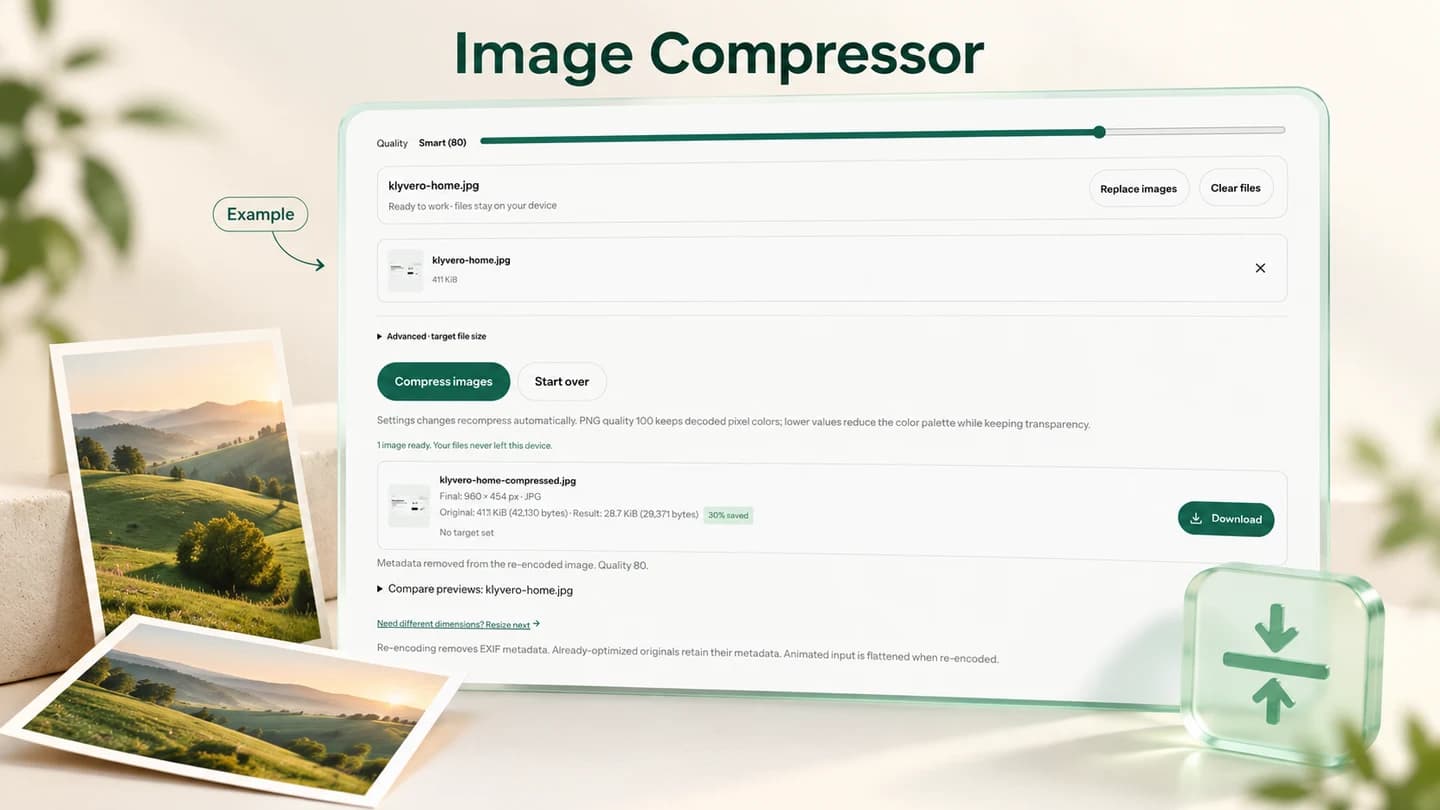
Photo too large to upload? A practical guide to image compression
An upload limit is more than a number. Learn how to choose the right size unit, protect readable detail and check the final image before sending it.
Read the guide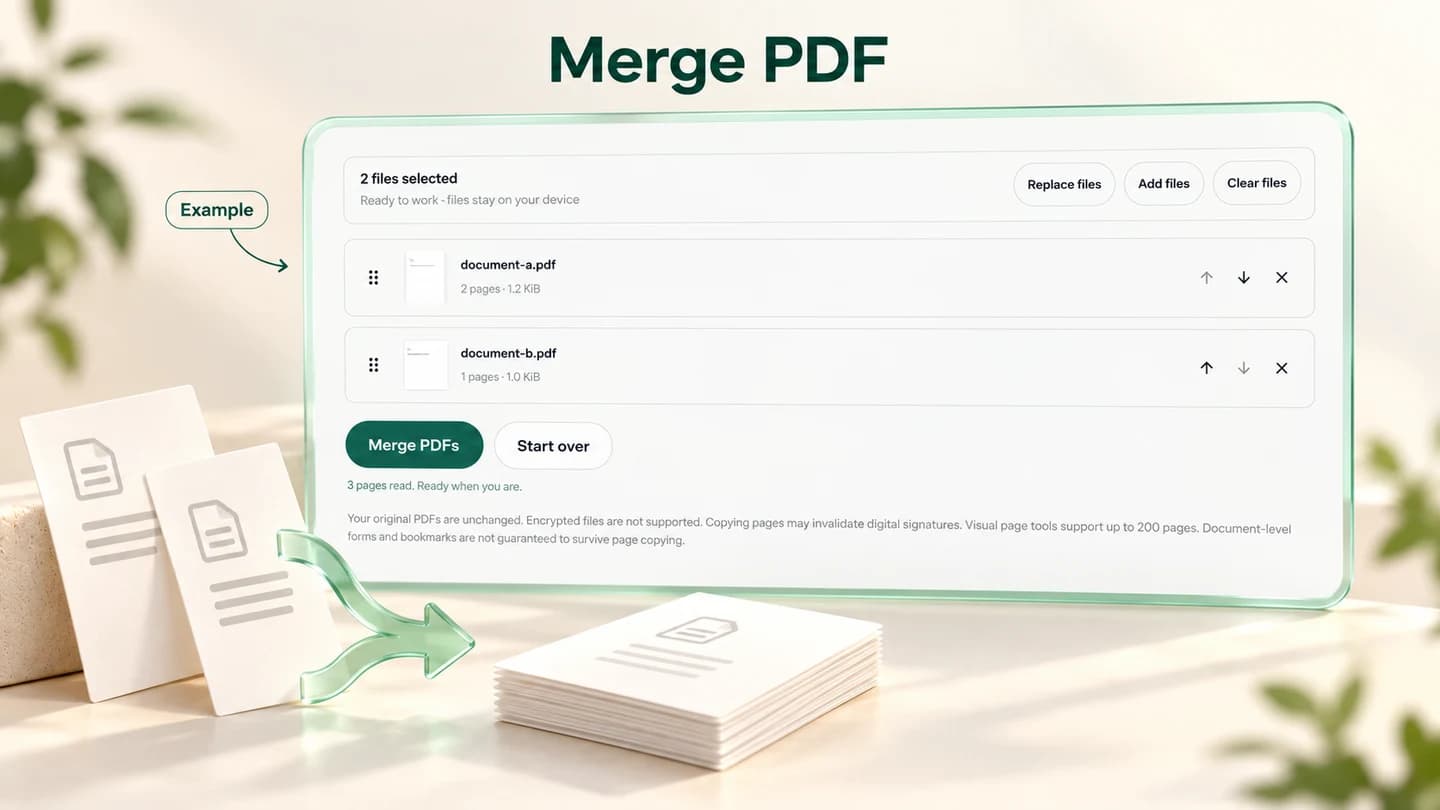
How to merge PDFs into one attachment in the right order
Combine related PDFs into one ordered attachment. Learn how to arrange files, check page counts and review the combined document before sharing.
Read more
Create a QR code people can actually scan
Turn a link into a useful QR code. Choose a clear destination, keep the design readable and test the downloaded PNG or SVG before printing.
Read more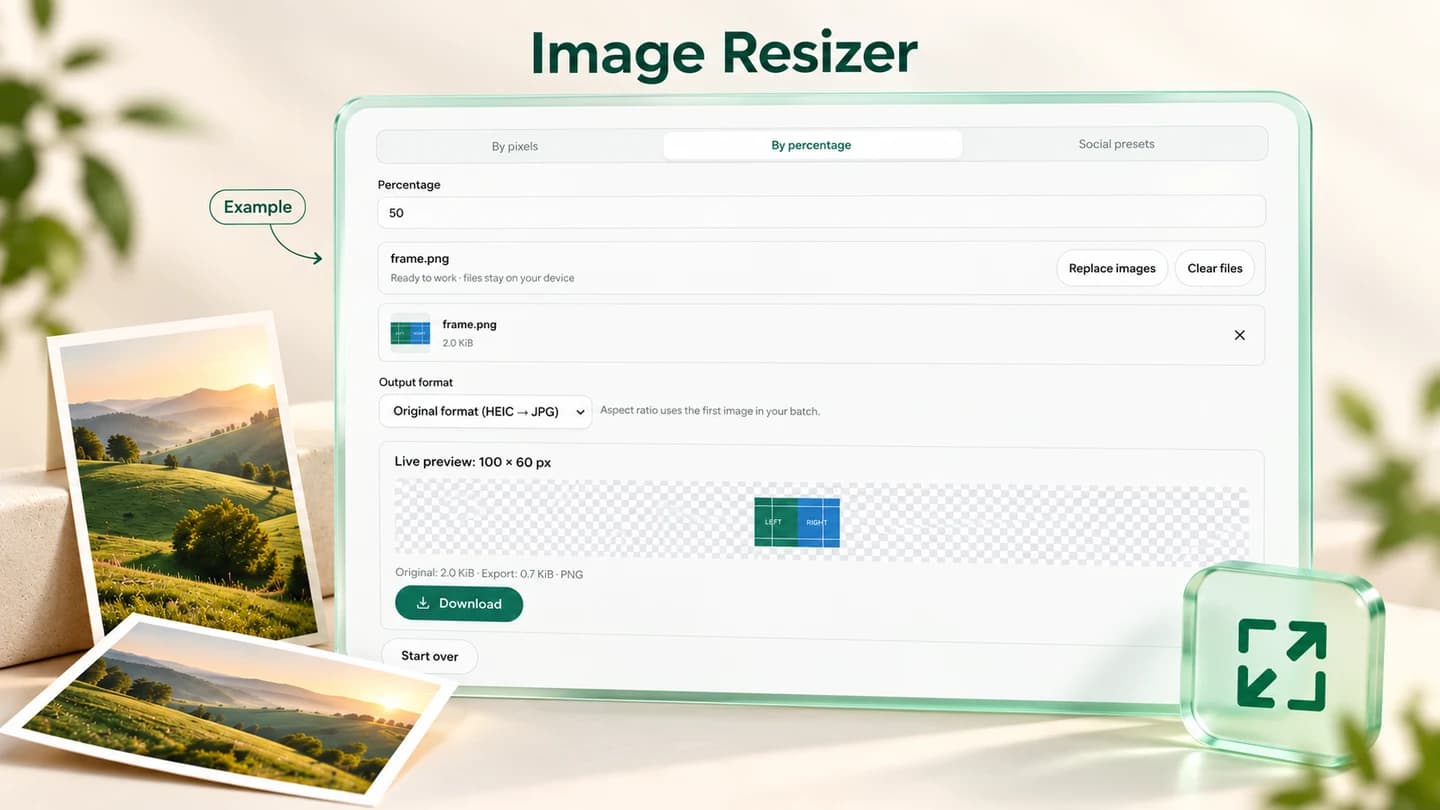
Resize an image to the right dimensions without stretching it
Choose pixels, percentage or a preset, preserve the shape of your photo and check the export. A practical guide to resizing for forms, websites and social posts.
Read more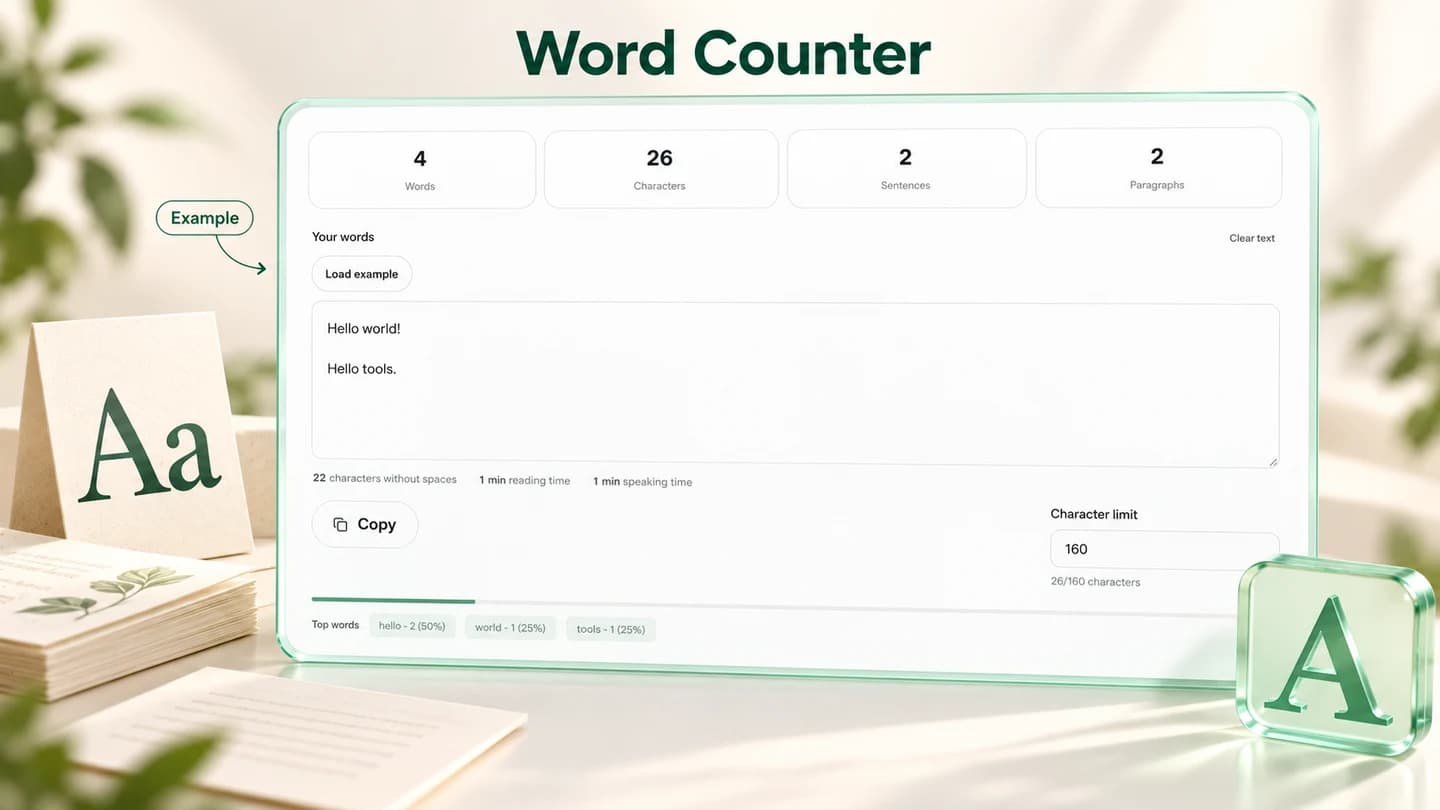
Check your word and character limits before you submit
Count the right parts of your draft, understand spaces and emoji, and use reading-time estimates carefully before copying the final text into its destination.
Read more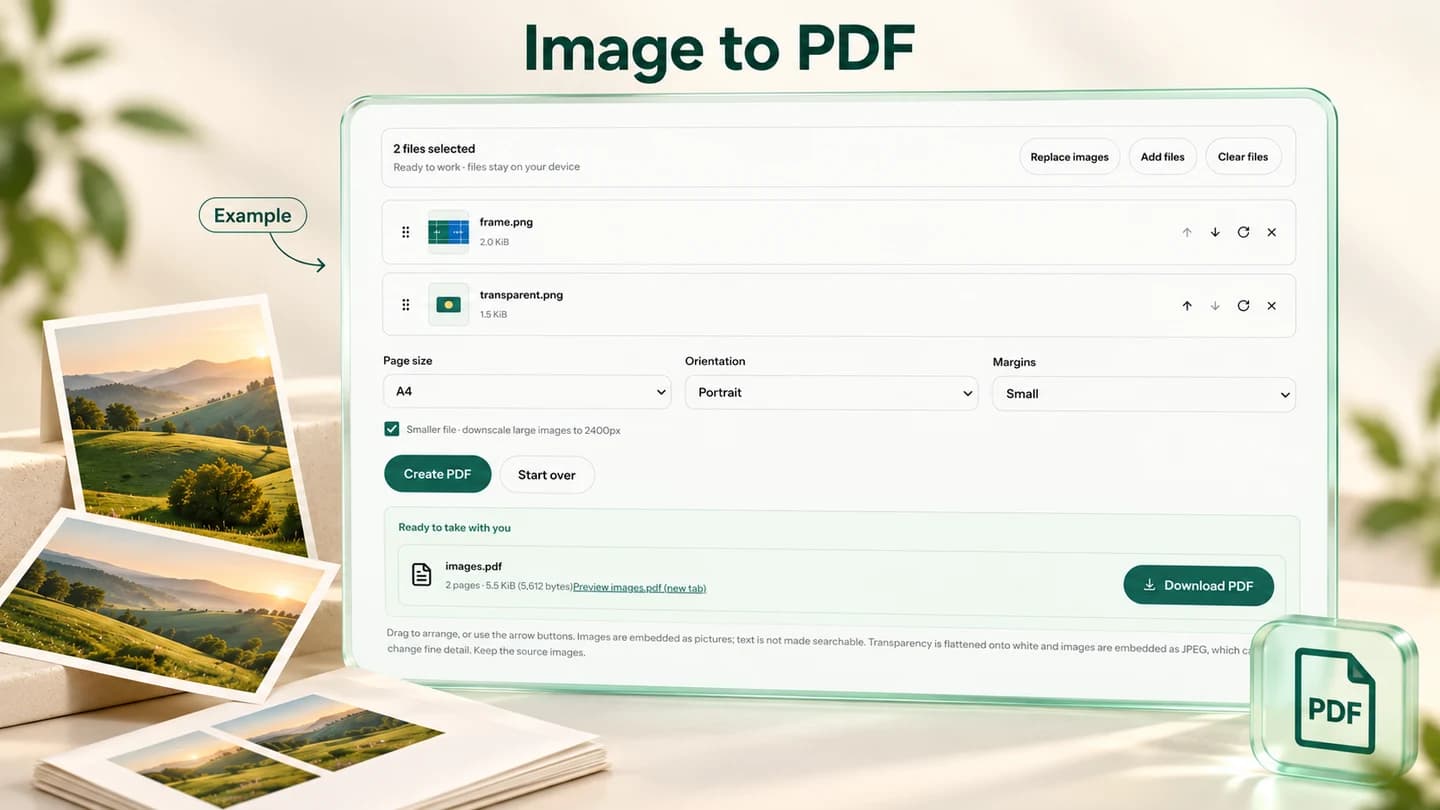
Turn separate photos into one organized PDF
Arrange receipt photos, scans or screenshots into one PDF. Choose page size and margins, then check readability and page order before sharing.
Read more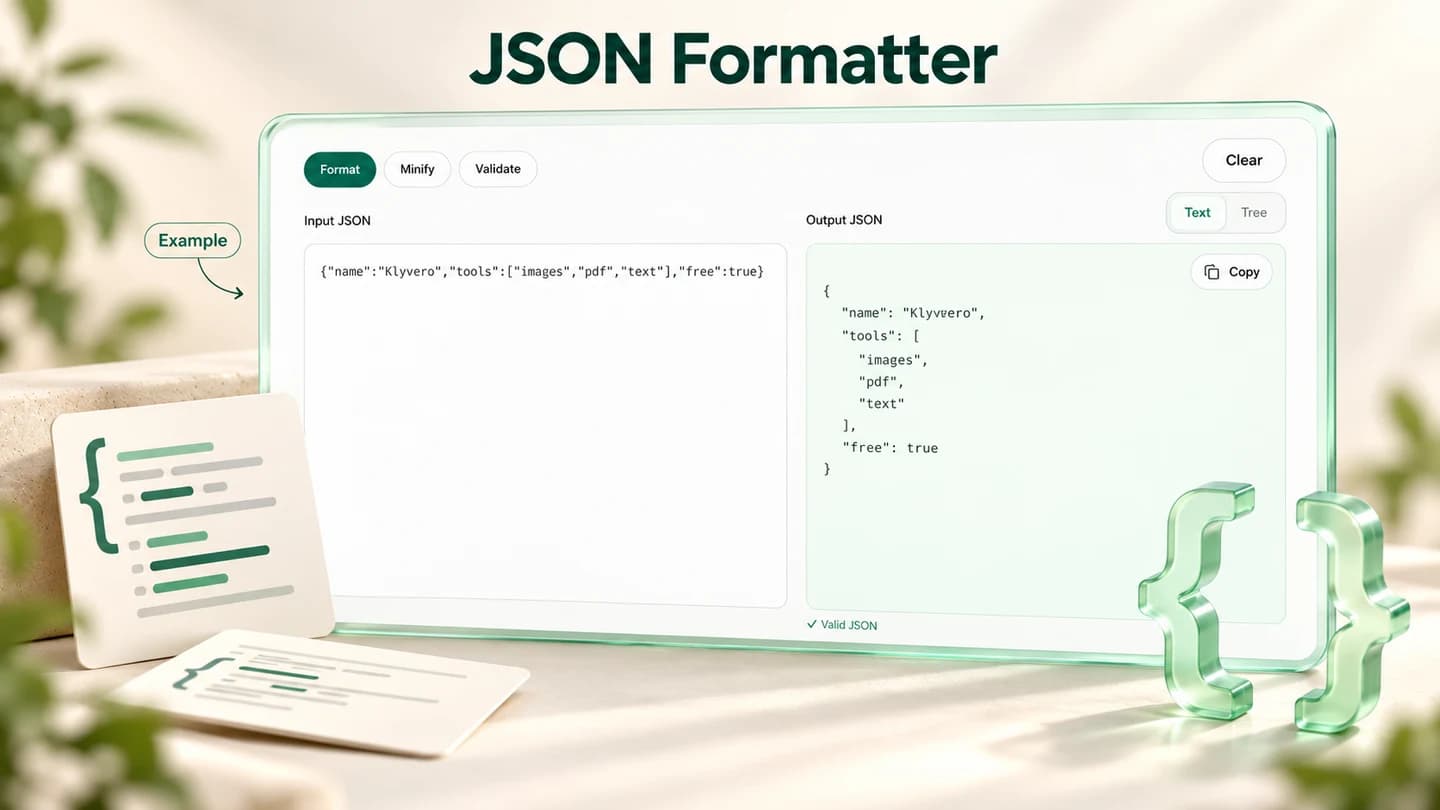
Make JSON readable and check it before you use it
Format compact JSON, inspect nested data and understand what validation can tell you. Keep an eye on large identifiers, duplicate keys and the final output.
Read more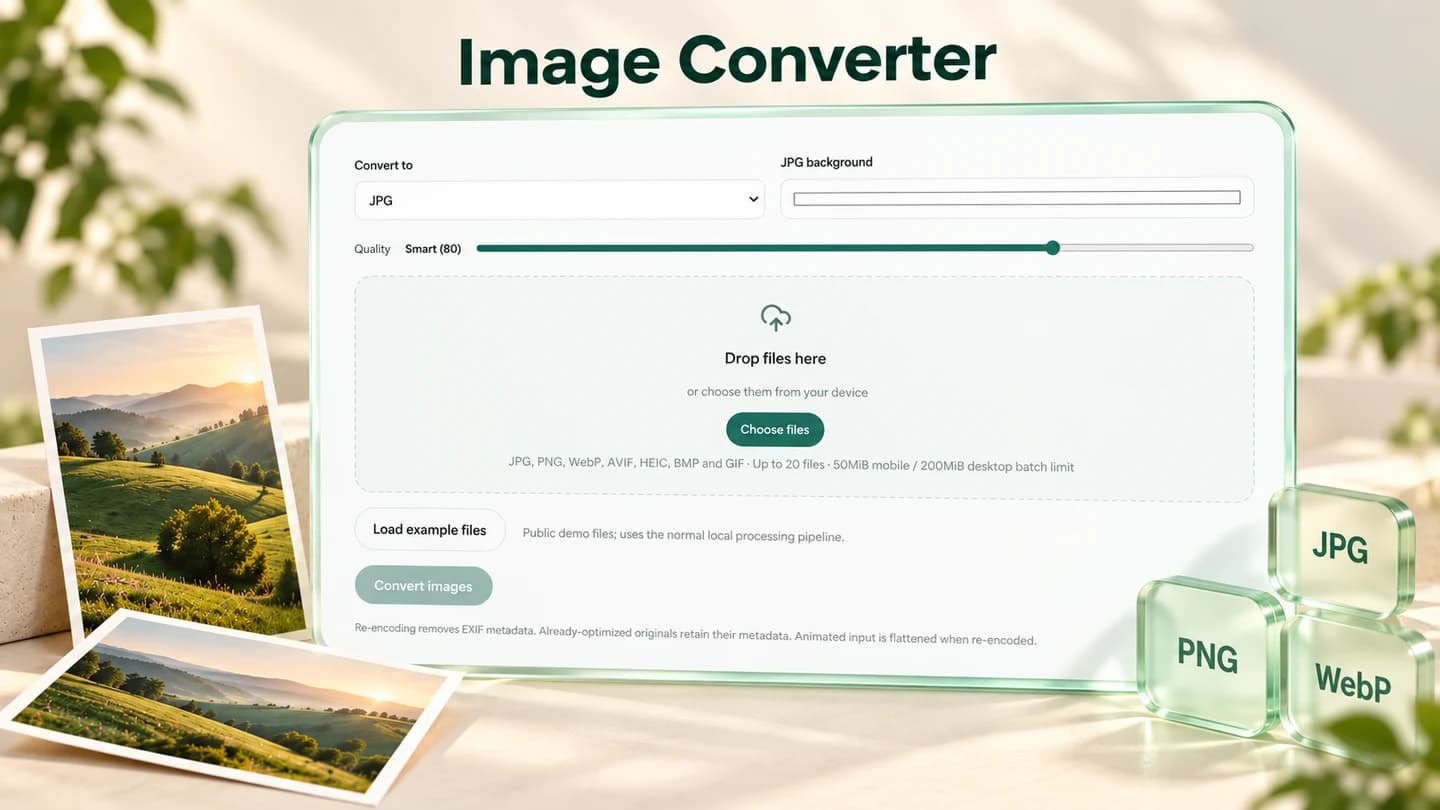
Choose the right image format before you convert
A downloaded WebP will not open in an older document workflow, or an iPhone photo is rejected by a form.
Read more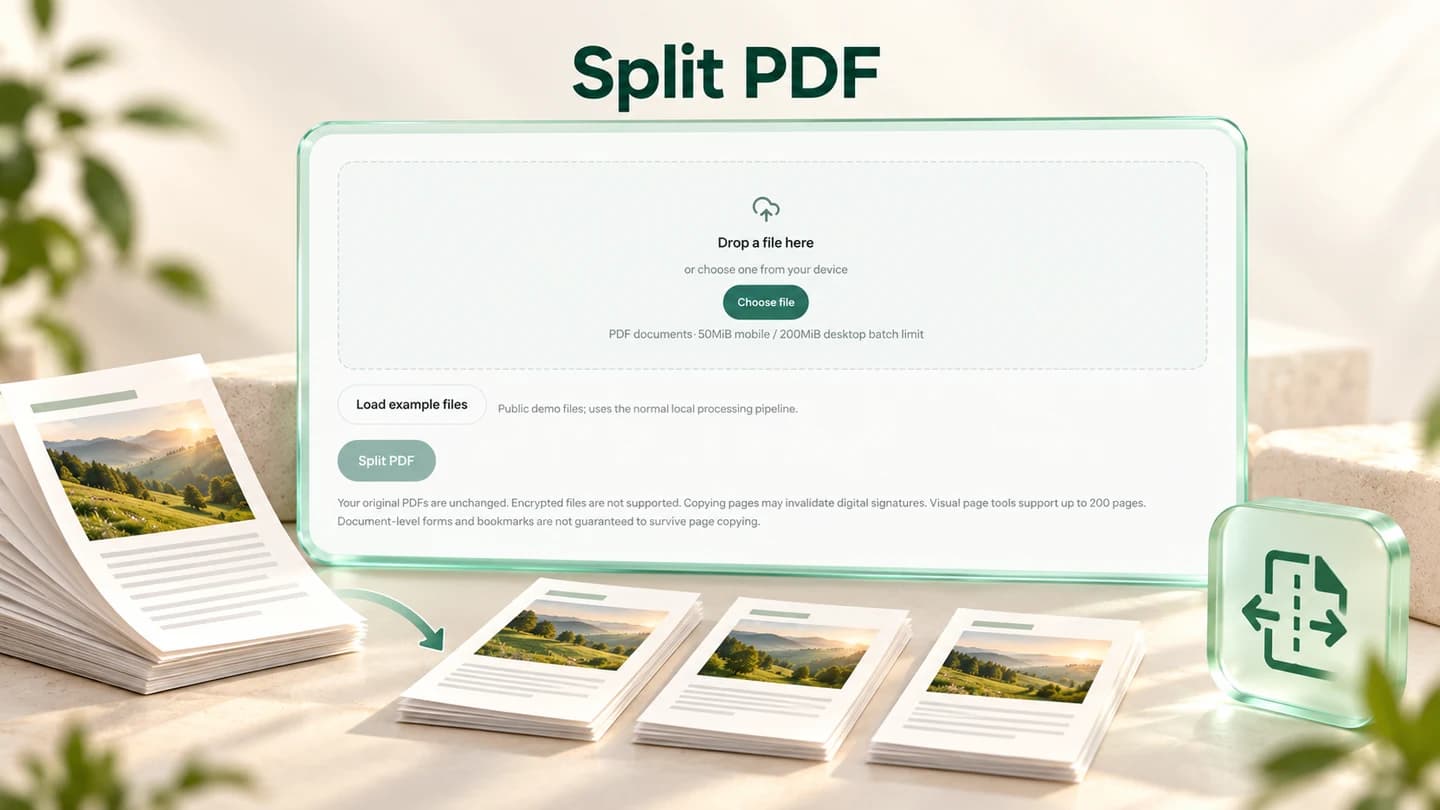
Split a PDF into chapters without losing the boundaries
A combined scan can contain several invoices or chapters, while the recipient needs separate documents.
Read more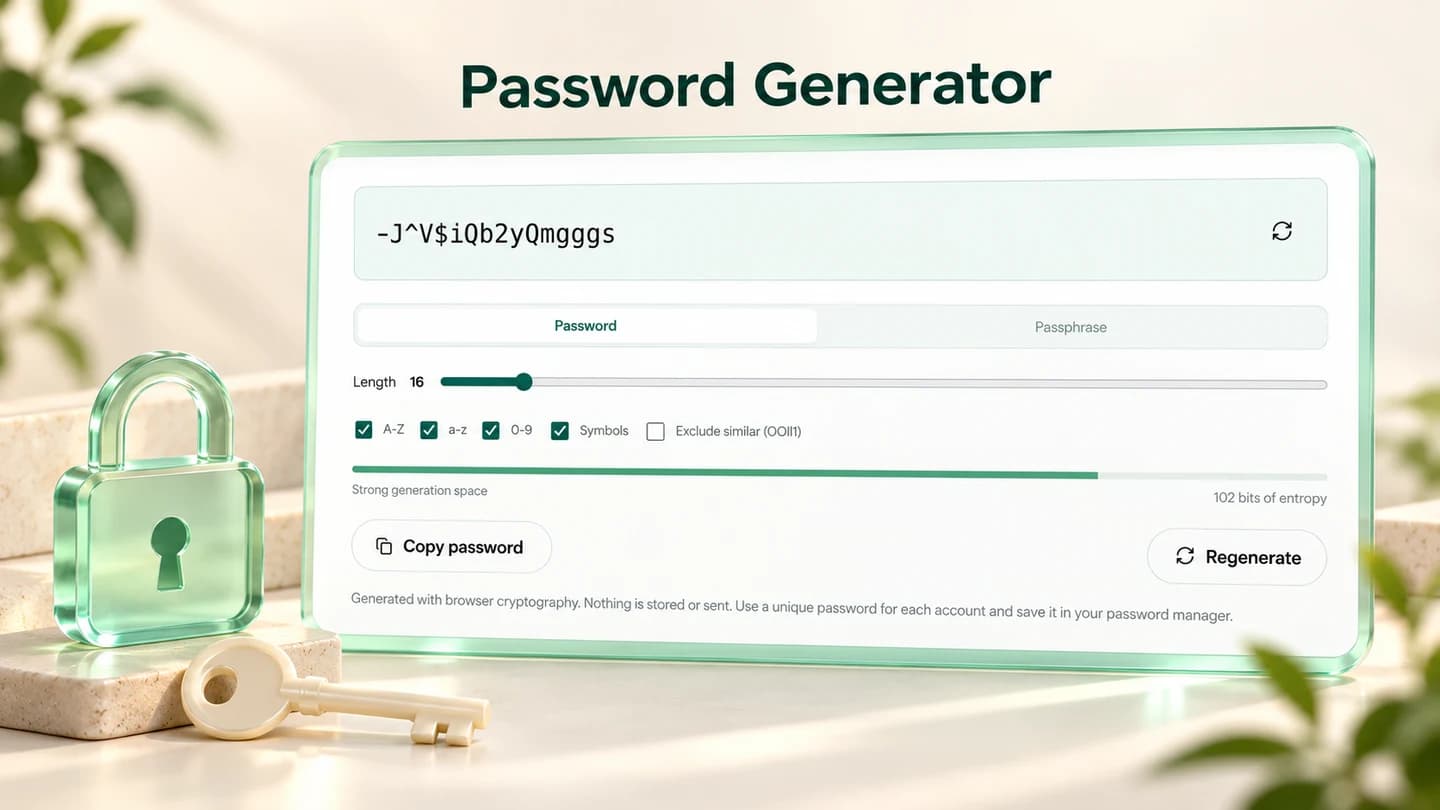
Create a unique password you can keep track of
A new account needs a password, but another variation of a familiar word makes your accounts depend on the same secret.
Read more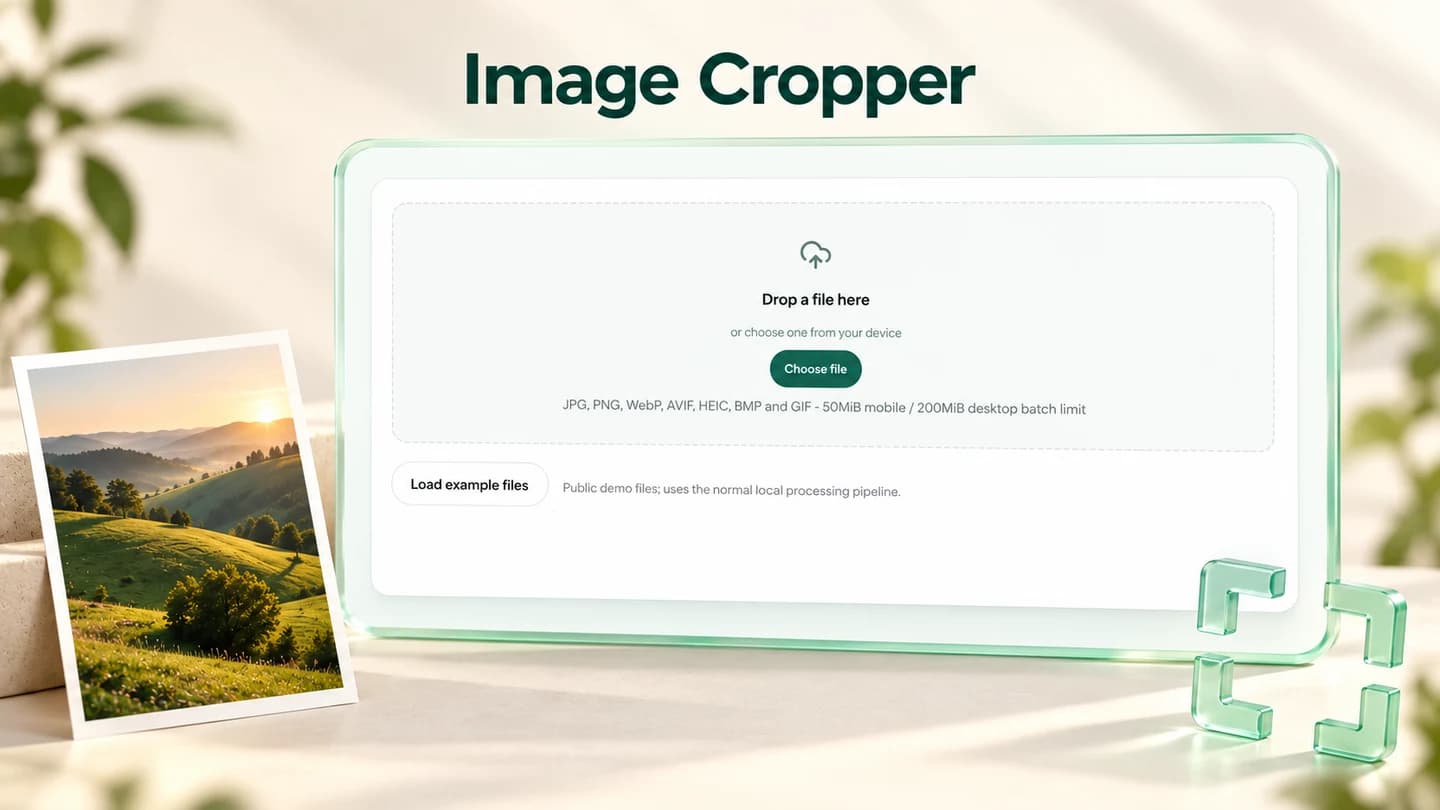
Crop a photo around the subject, then check the edges
A good photograph can still be the wrong shape for an avatar, thumbnail or product tile.
Read more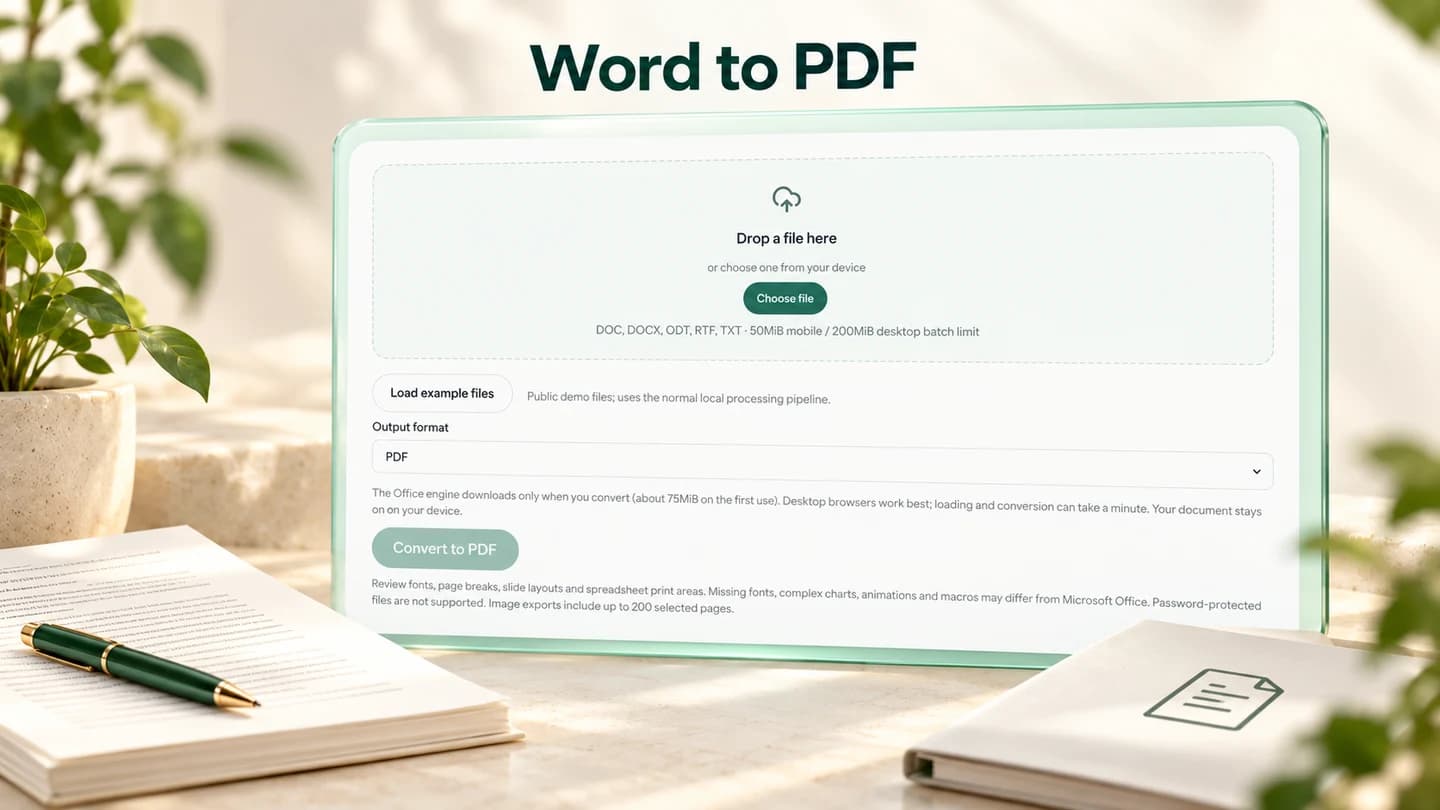
Share a Word report as a PDF you have checked
A recipient needs a stable report rather than an editable Word file.
Read more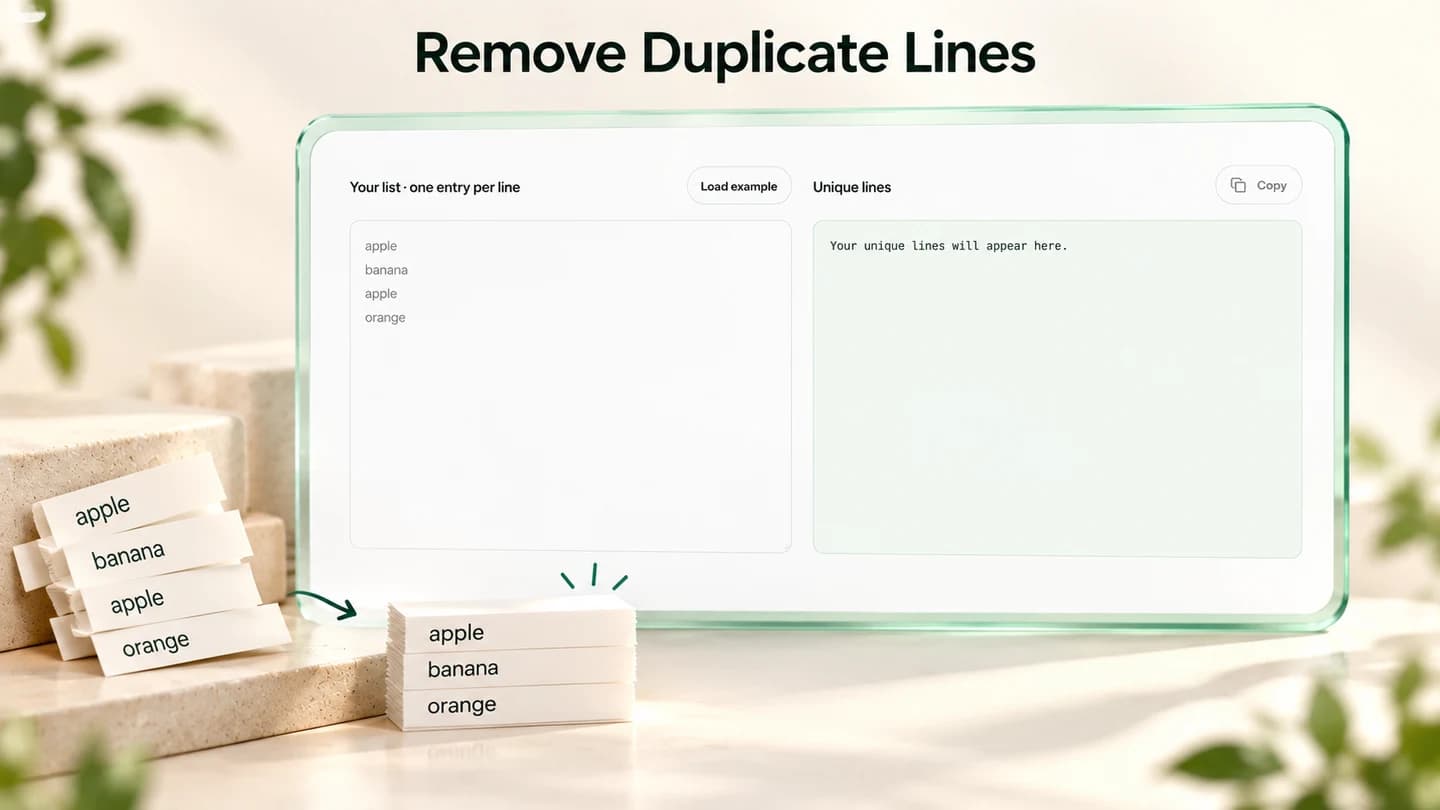
Remove duplicate lines without scrambling your list
A list collected from several sources can repeat labels, filenames or contact entries.
Read more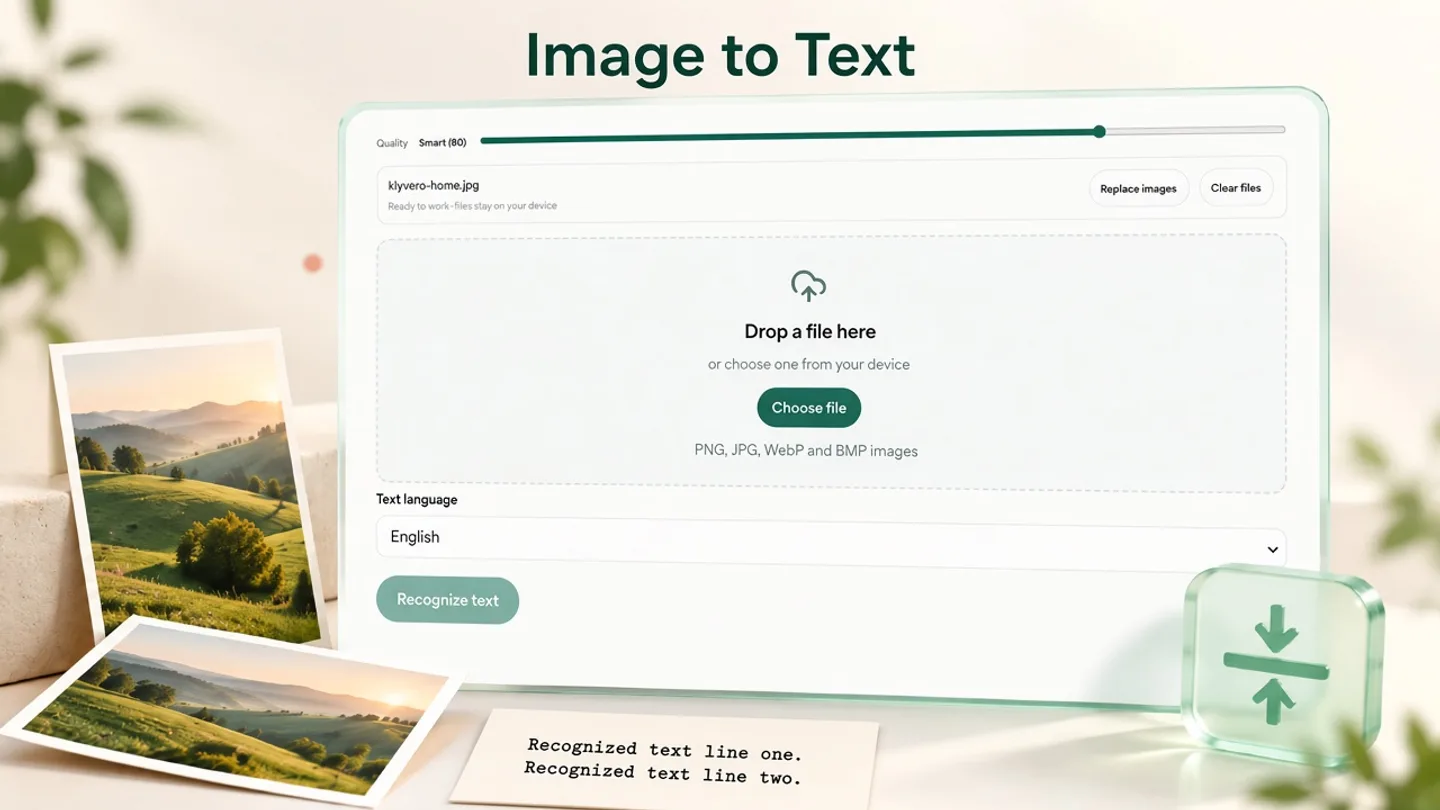
Extract text from a screenshot and verify the details
A screenshot contains words you want to quote or edit, but copying the picture does not give you editable text.
Read more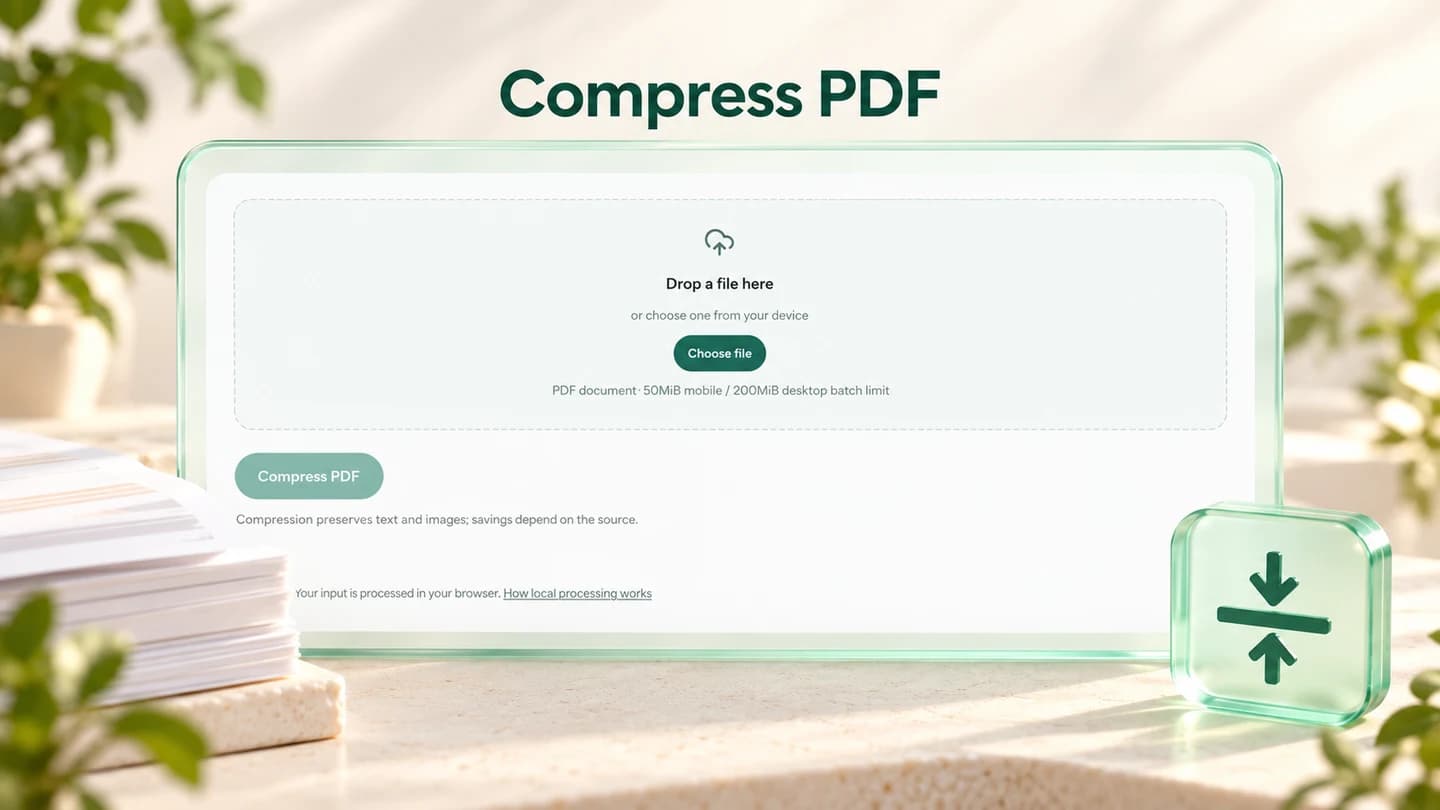
Try lossless PDF compression without sacrificing page content
A PDF exceeds an attachment limit, but its diagrams and small text need to remain readable.
Read more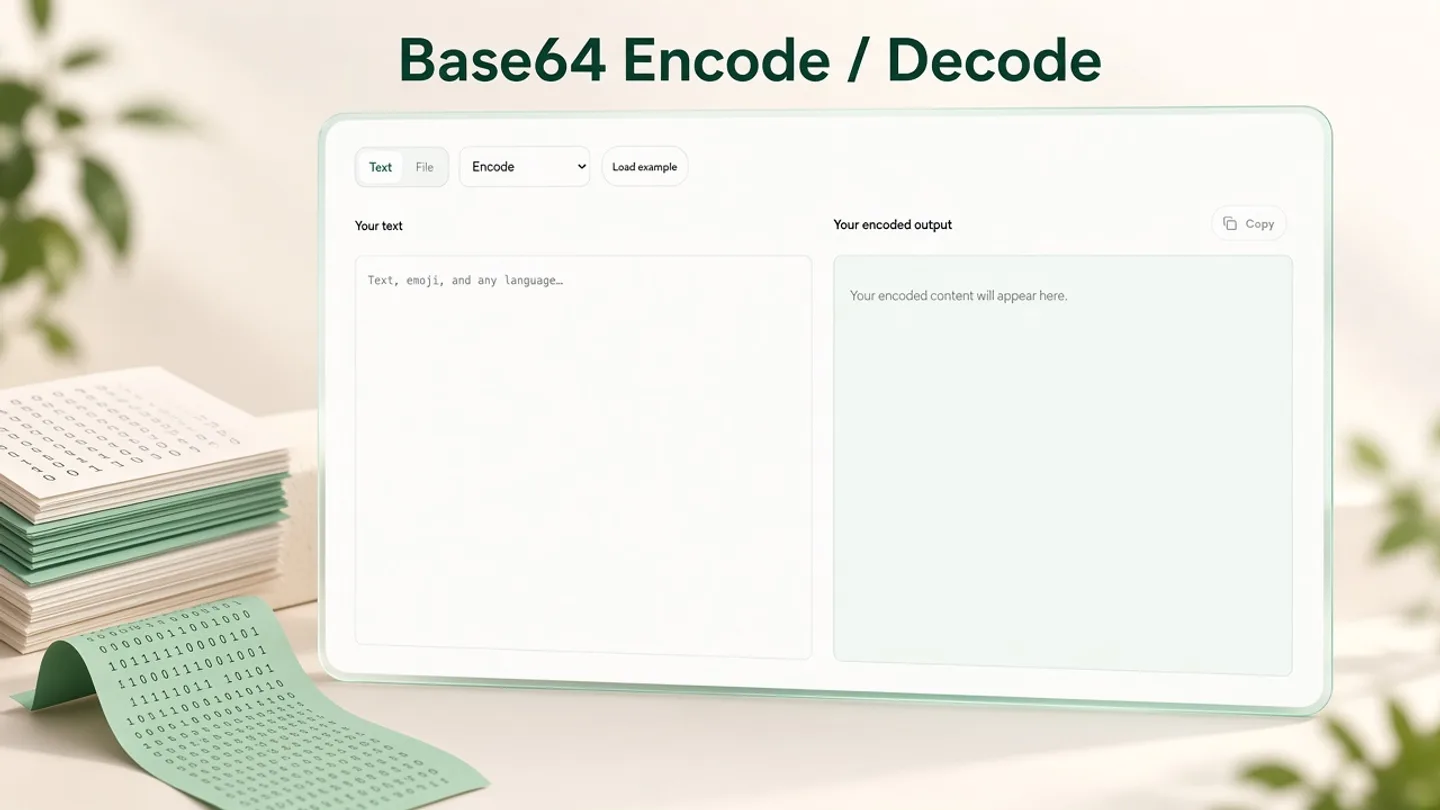
Use Base64 for text transport, not for hiding secrets
A system expects a text payload, while your source is an image or a sequence of bytes.
Read more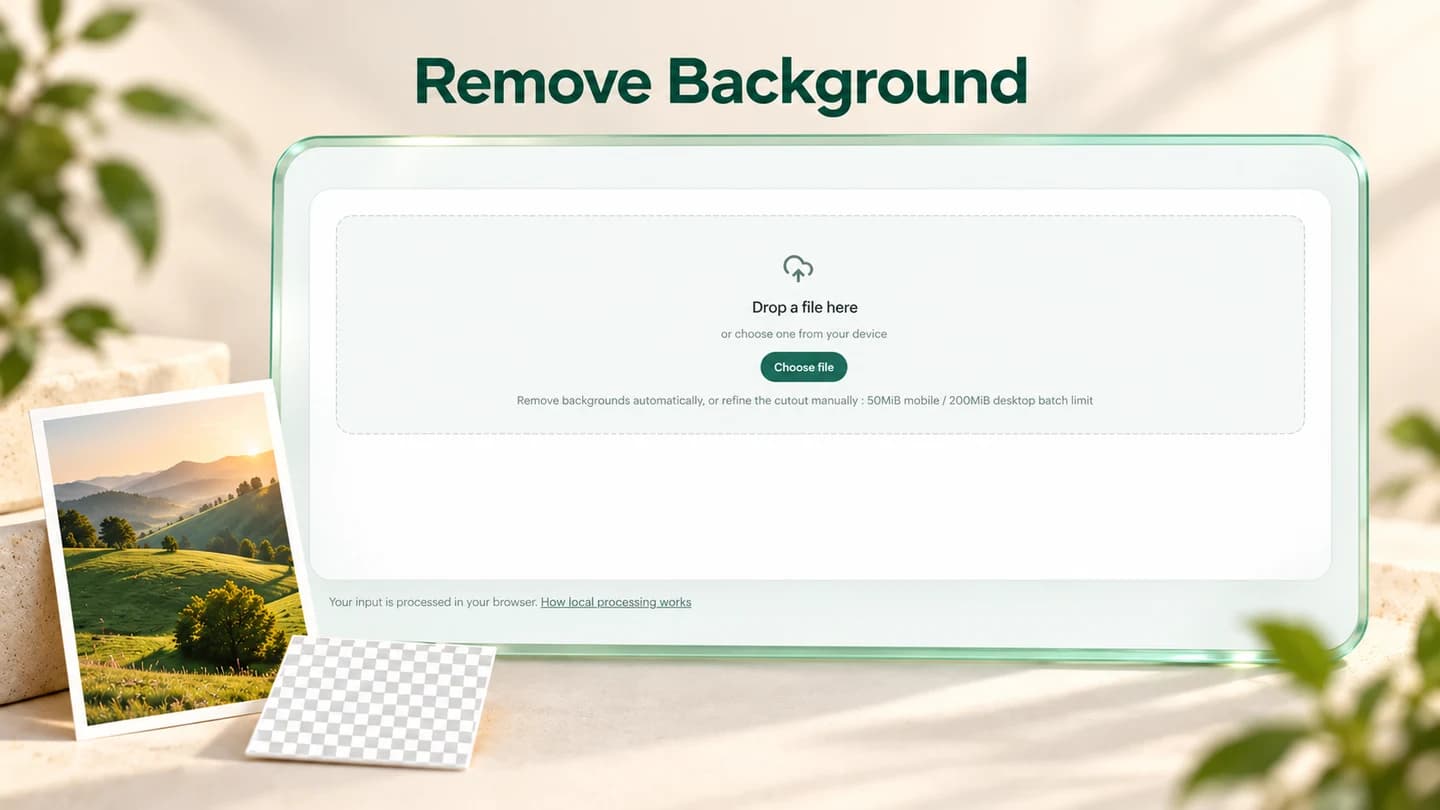
Remove a background and keep the edges believable
A product or portrait needs to sit on a new background, but the outline is often where a quick cutout looks wrong.
Read more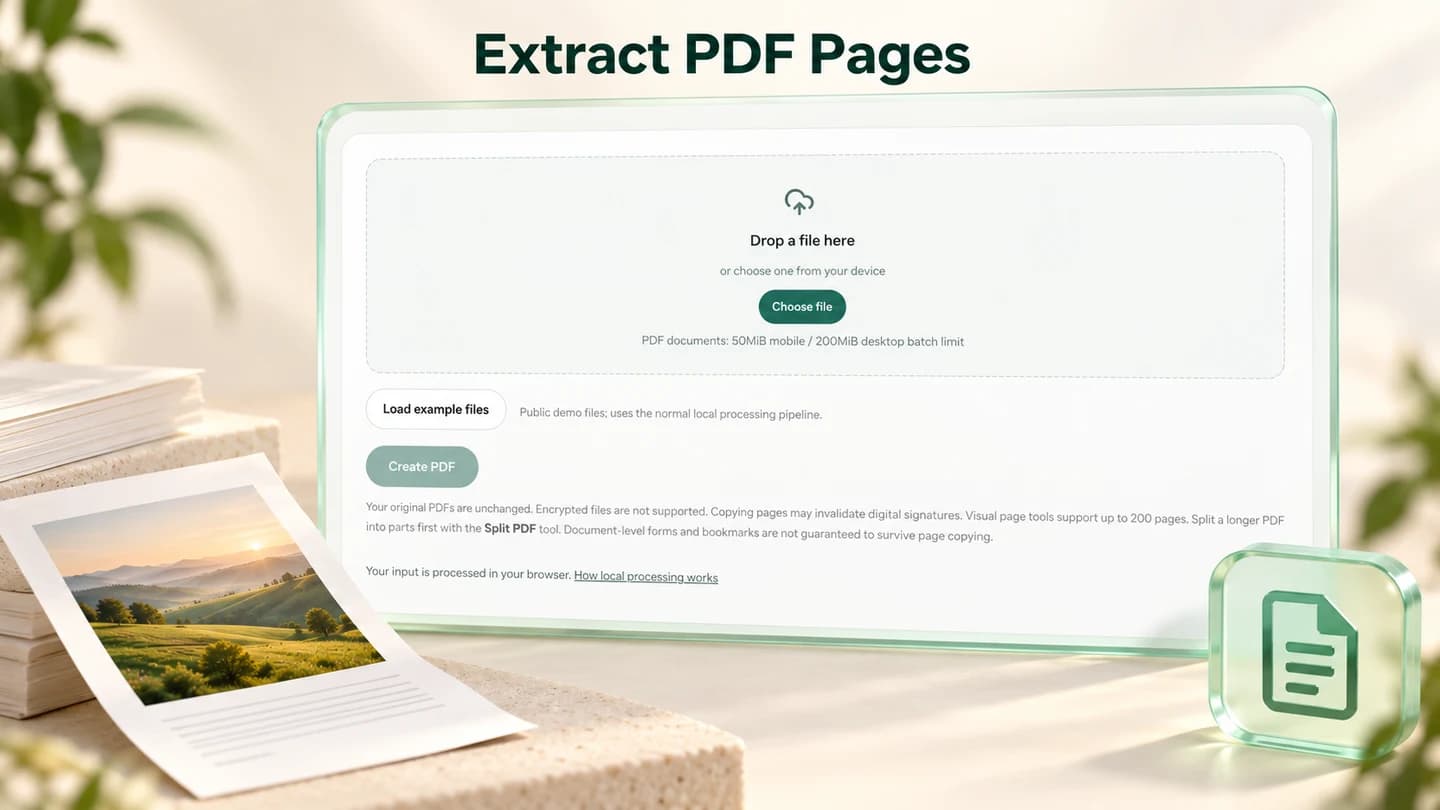
Share selected PDF pages as one focused document
A report has the pages a recipient needs, but the rest would make the attachment harder to navigate.
Read more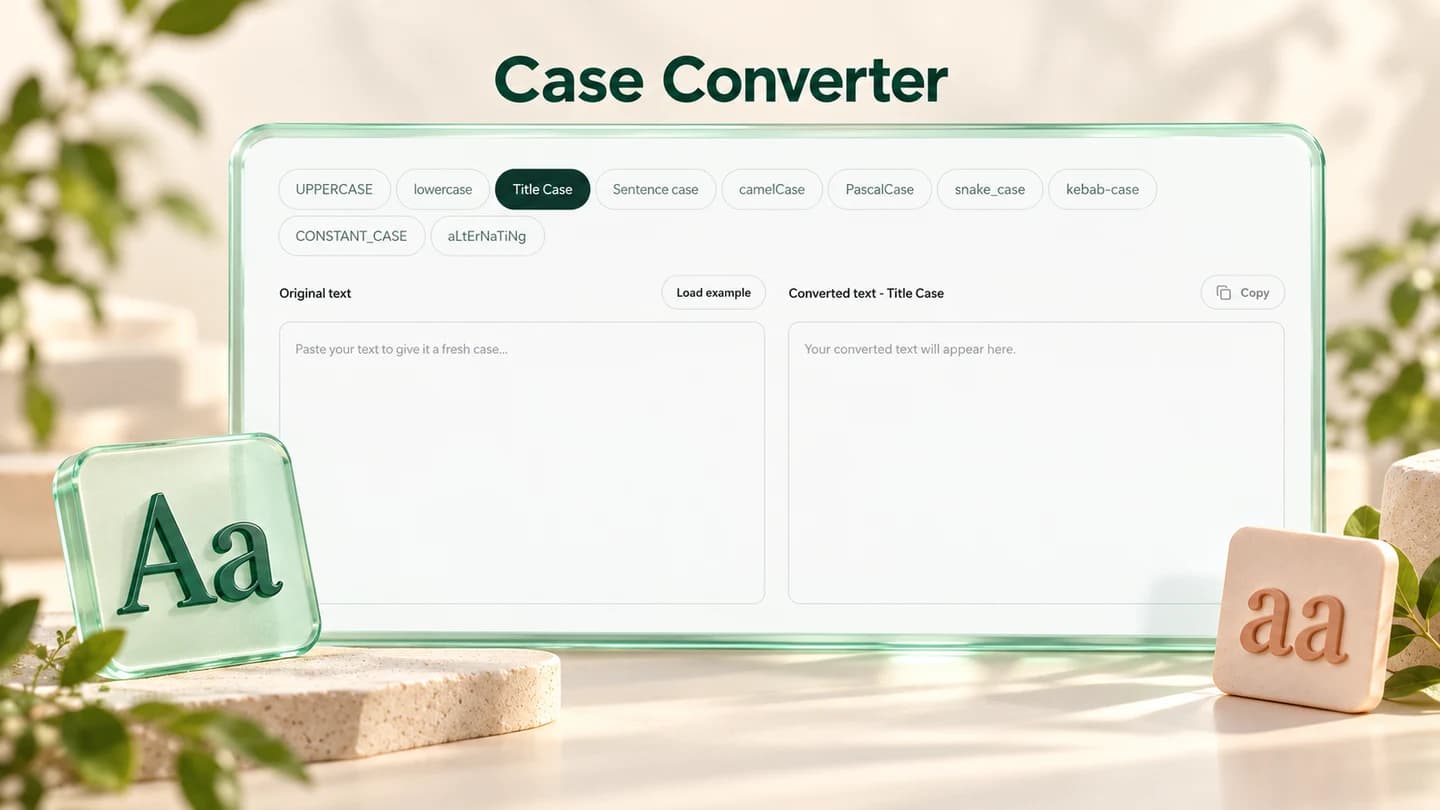
Change text case without breaking names or identifiers
A pasted heading is all capitals, or a label needs to become a developer-friendly identifier.
Read more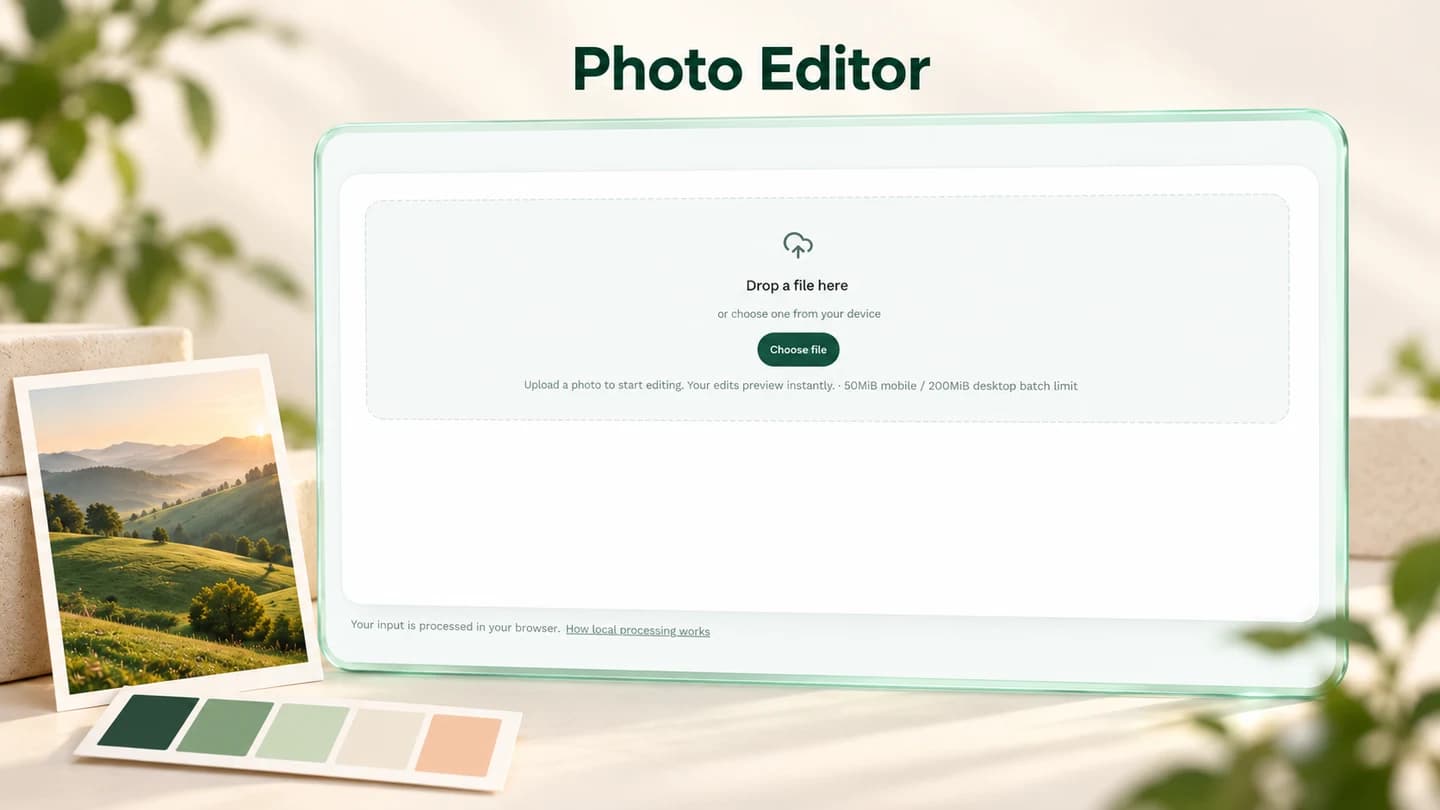
Make a few useful photo edits without losing the original
A dark product photograph might need brighter tones, a cleaner frame and a short label.
Read more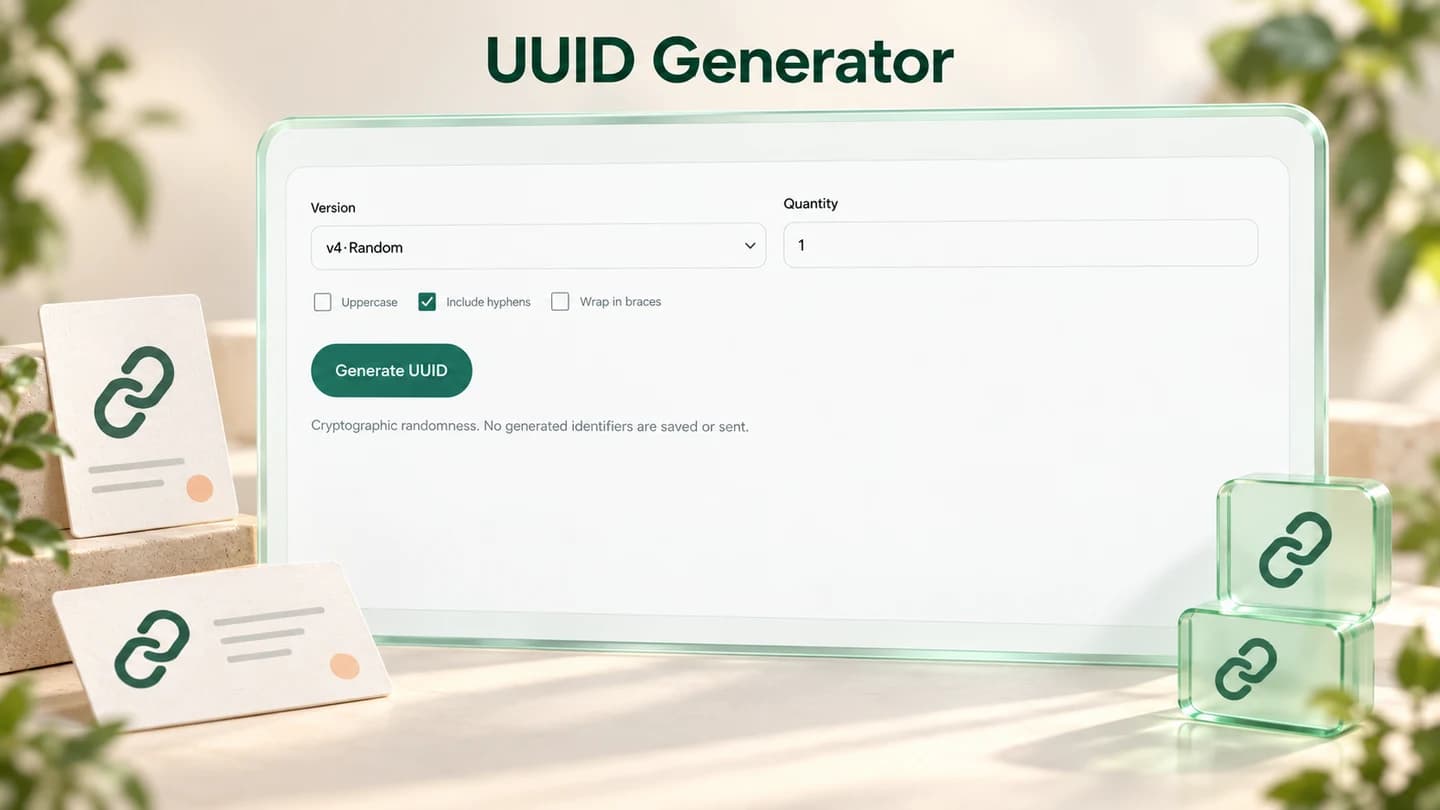
Choose the right UUID version for your records
Test data needs identifiers, and manually inventing values creates avoidable collisions and inconsistent formatting.
Read more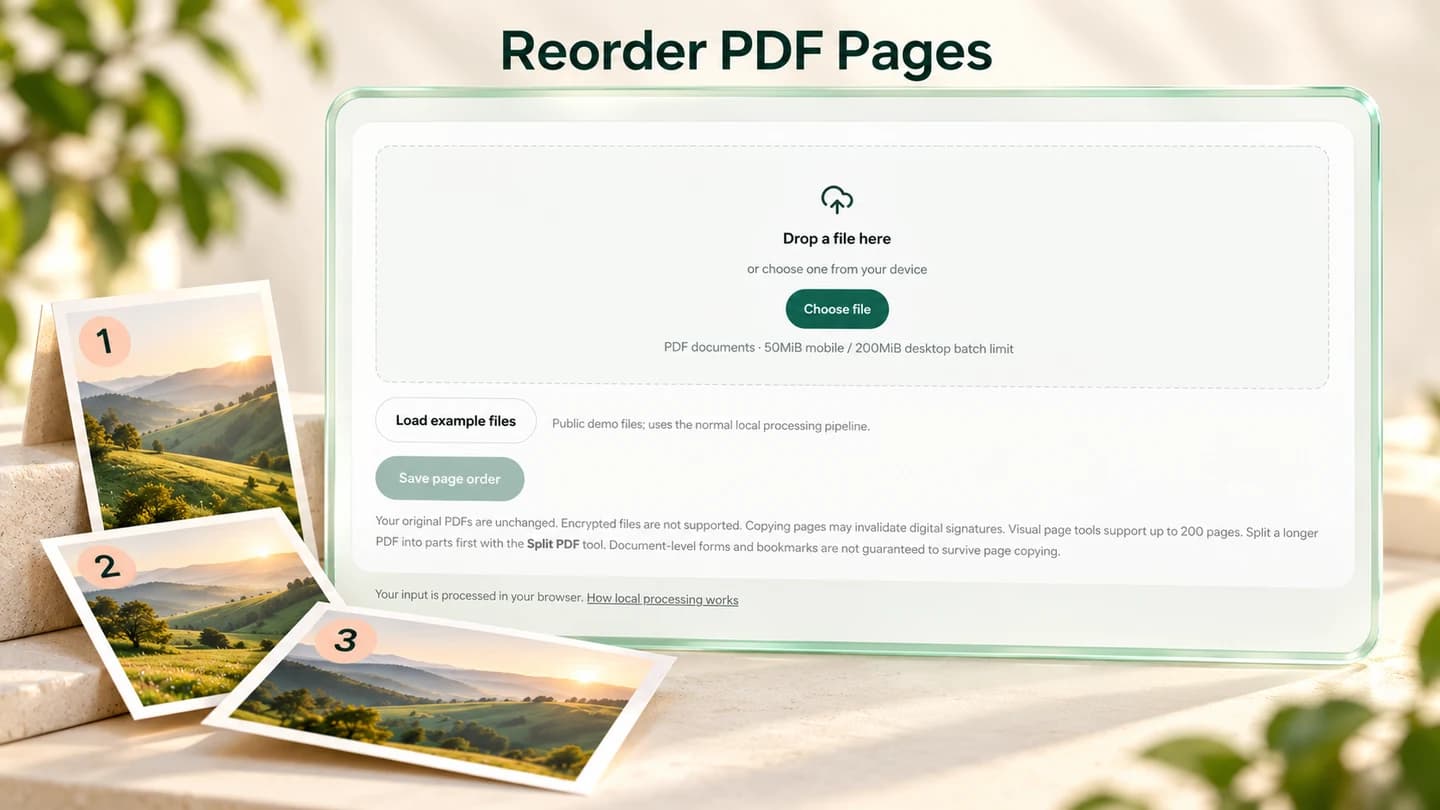
Repair a PDF’s reading order before you send it
A scan starts with the last page, a cover is at the back or one sheet is sideways.
Read more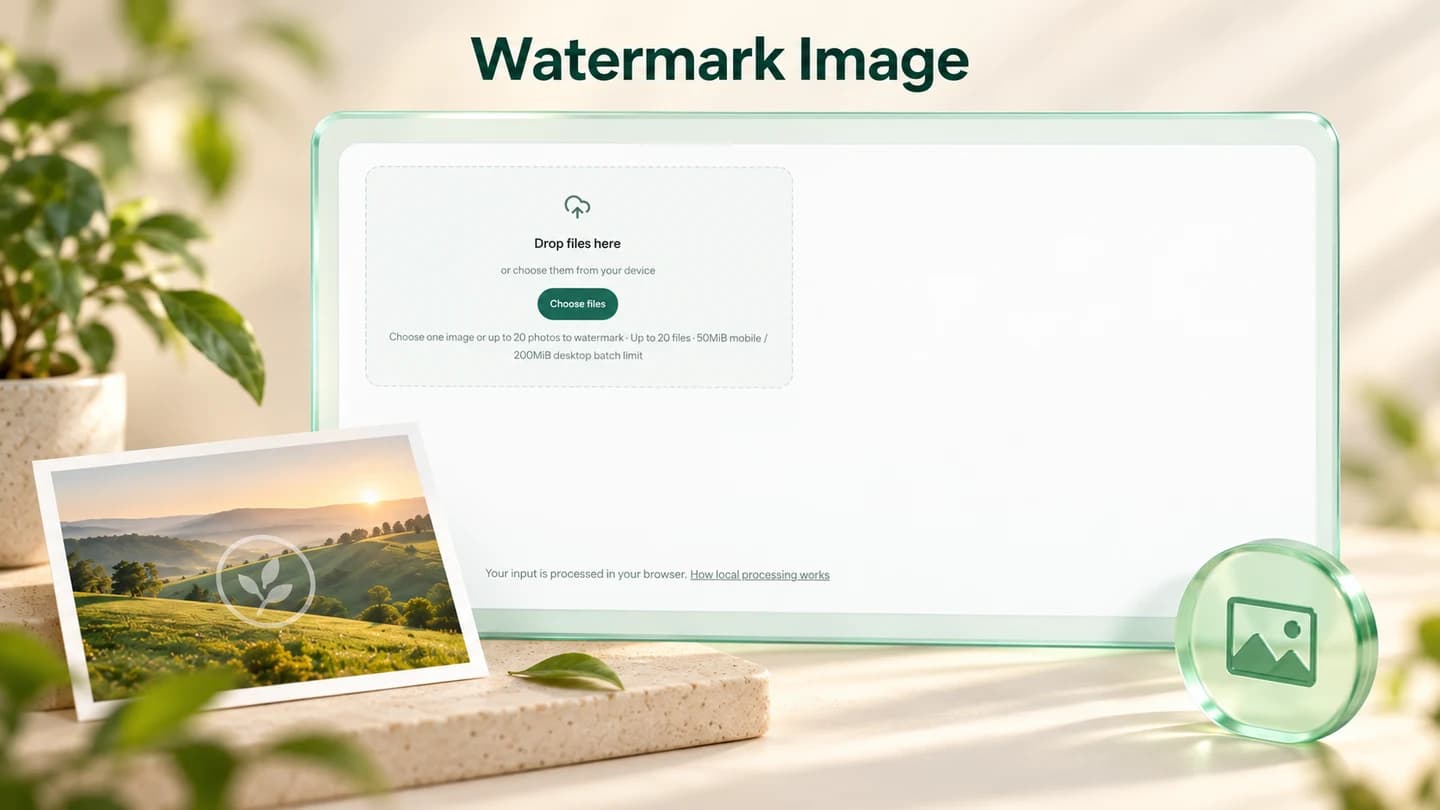
Add a visible image watermark without covering the subject
A shared photograph needs a studio name or logo, but a watermark can distract from the very image you want people to see.
Read more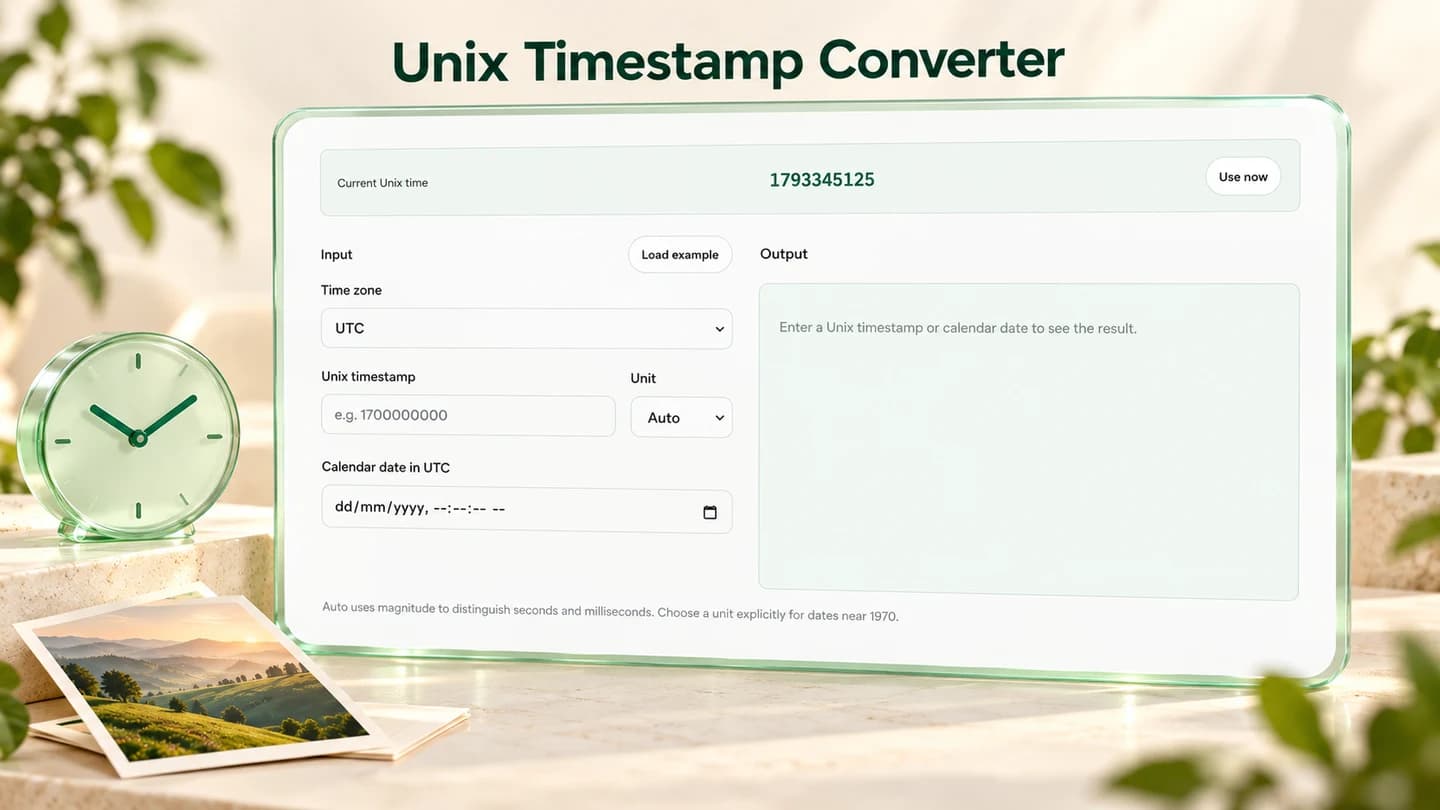
Read Unix timestamps with the right unit and time zone
A log value looks like a date, but interpreting milliseconds as seconds sends it far from the event you are investigating.
Read more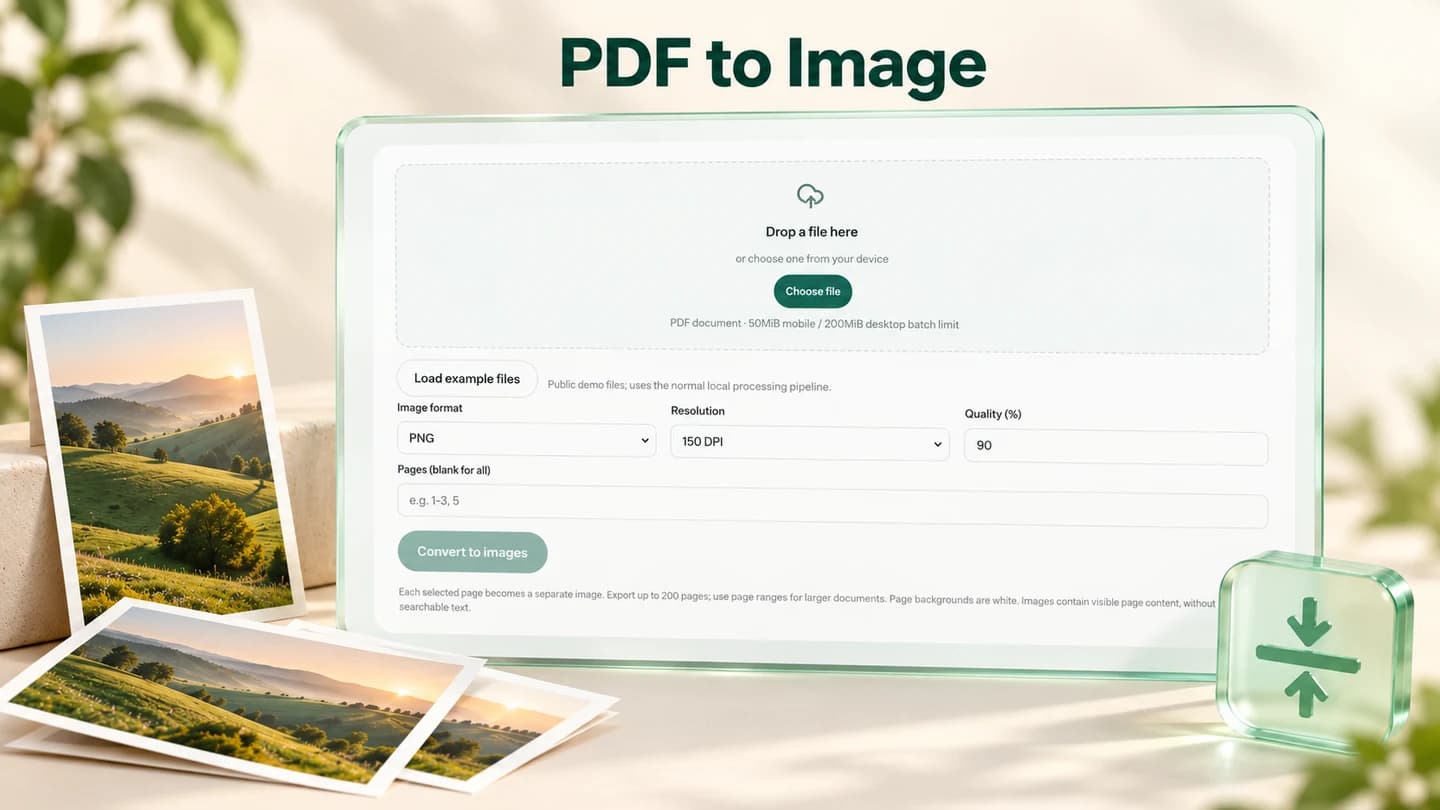
Turn selected PDF pages into useful image previews
A page needs to appear in a message or slide without asking the viewer to open a PDF.
Read more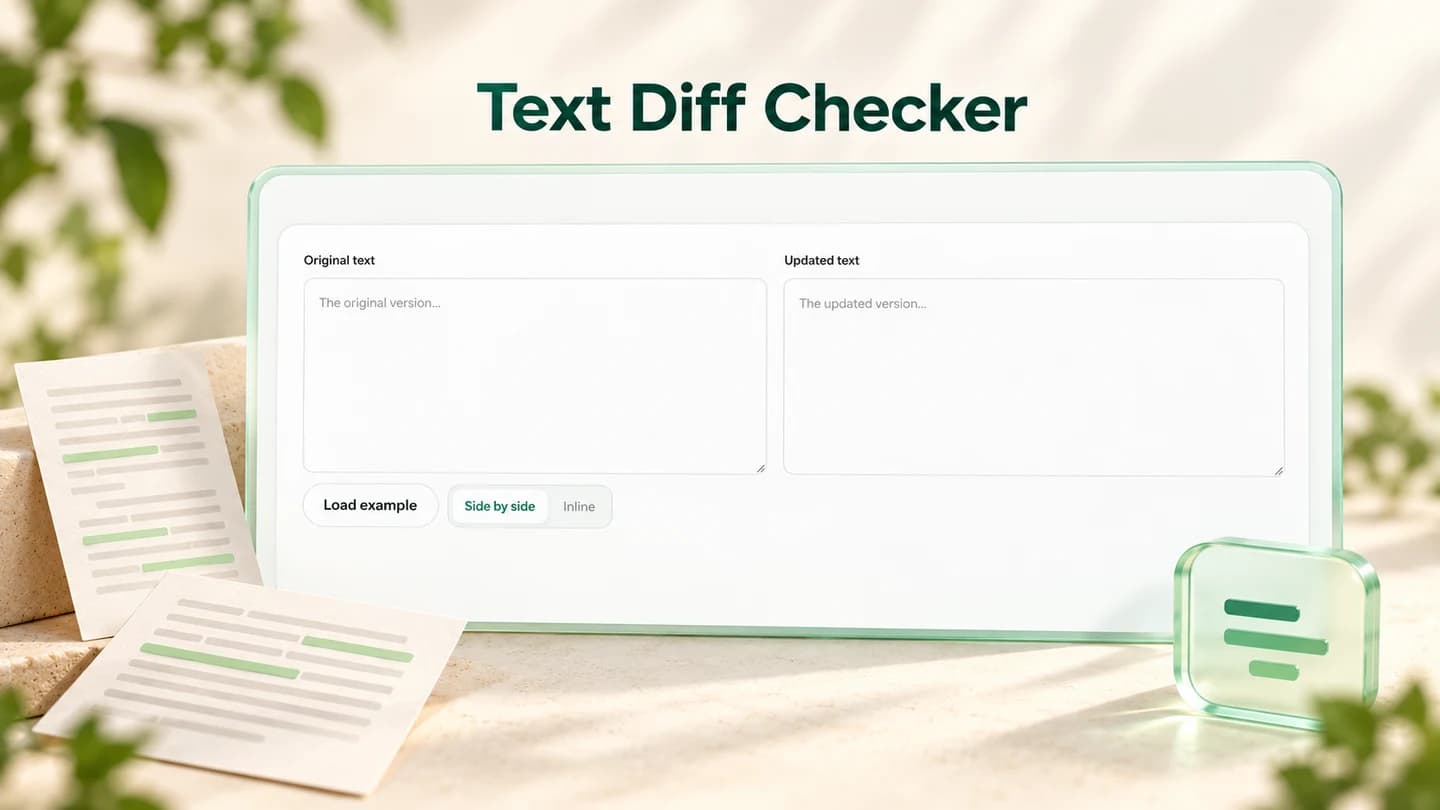
Compare two drafts and keep the changes in context
Two versions of a paragraph can look almost identical while changing a key date or instruction.
Read more
Cover private image regions and inspect the exported copy
A screenshot or photograph may contain a face, a licence plate or a label that should not appear in a shared copy.
Read more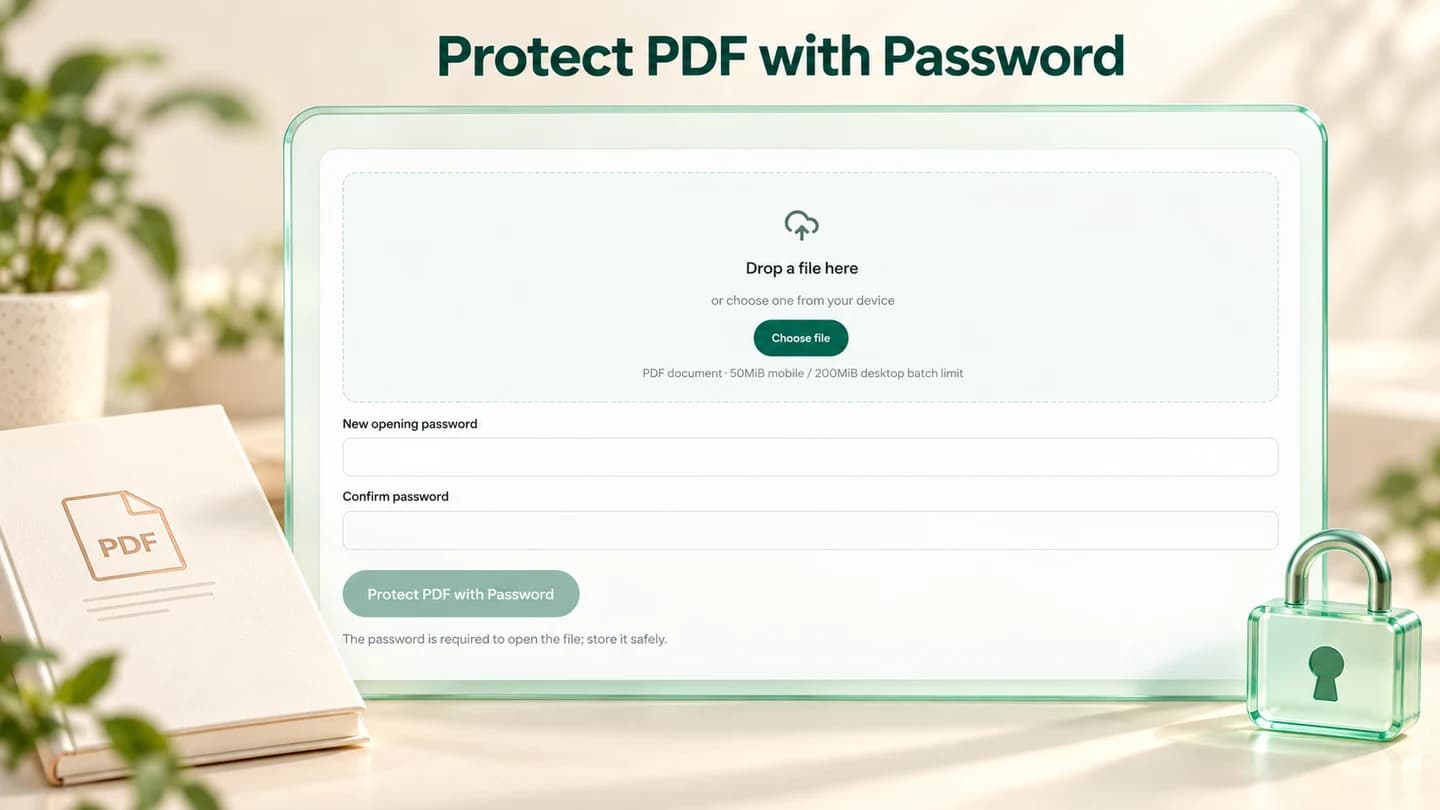
Add a PDF opening password and test the saved file
A PDF attachment needs an opening password before you send it.
Read more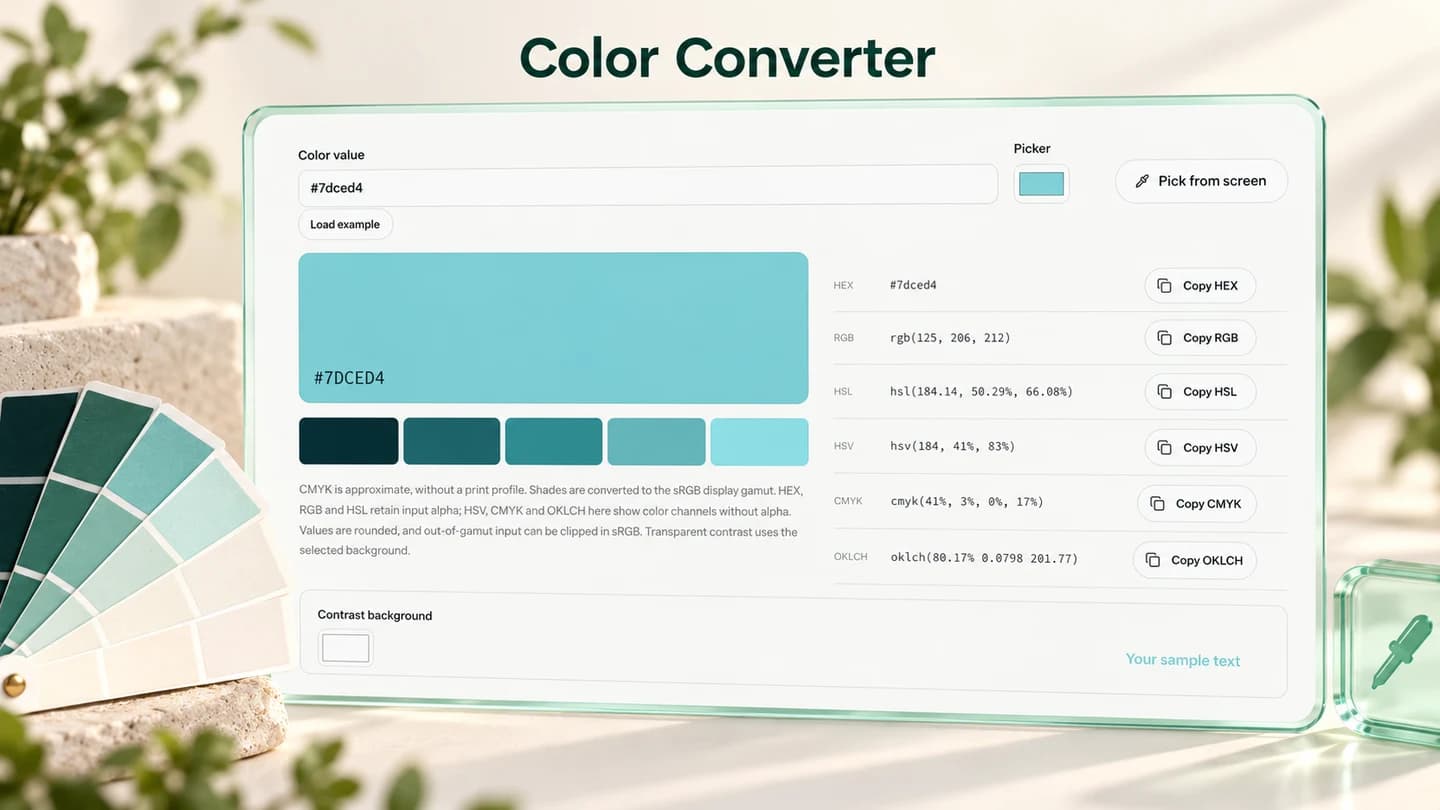
Translate color codes and check the actual color pair
A brand color arrives as HEX while an application asks for RGB, or a design needs a lighter perceptual variant.
Read more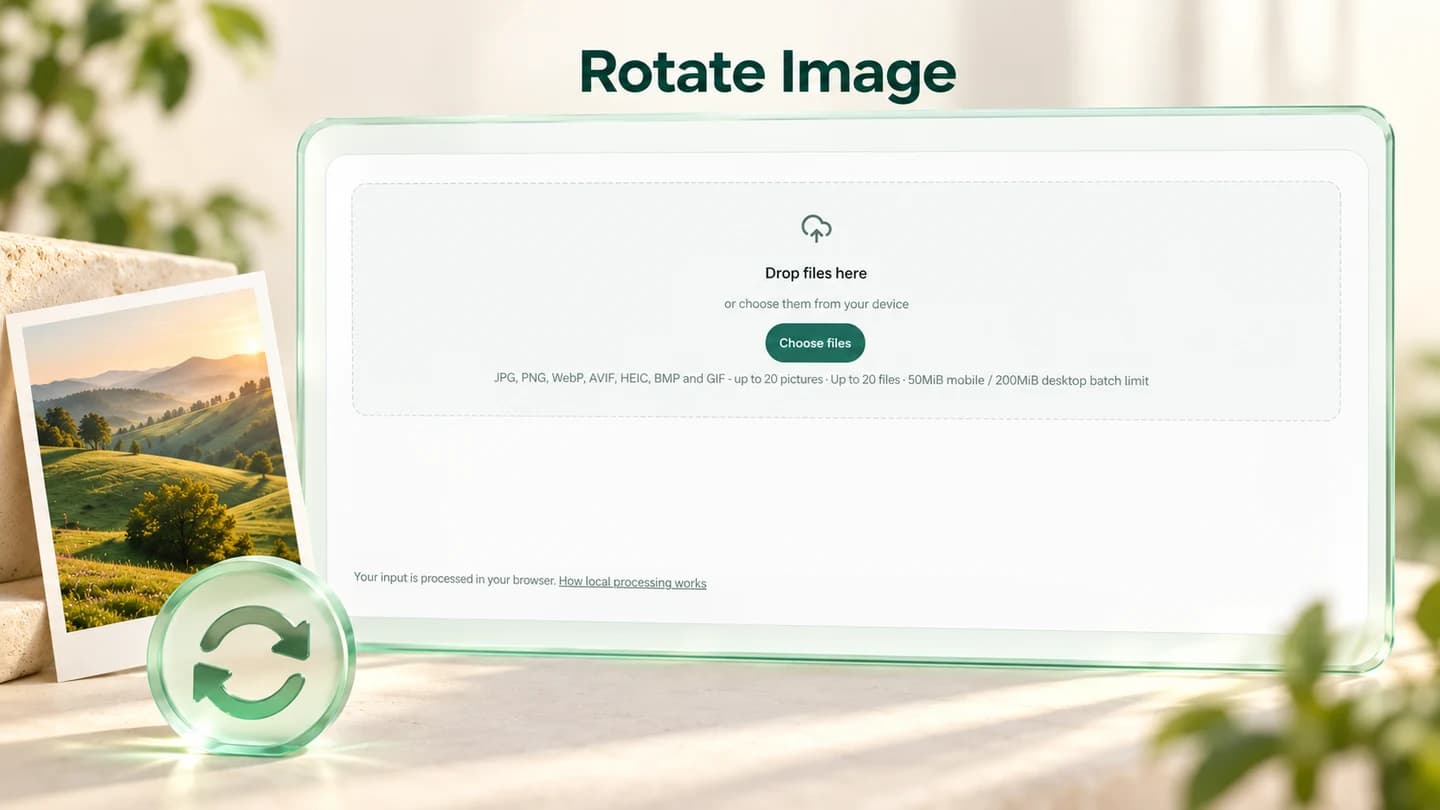
Straighten a photo without accidentally mirroring its text
A sideways scan needs a quarter turn, while a tilted photograph may need a small free-angle adjustment.
Read more
Fix sideways PDF pages while keeping the document usable
A document can be readable on most pages and awkward on one landscape scan.
Read more
Recognize a scanned document and check the text page by page
A scanned PDF may look like a text document while containing only pictures.
Read more
Enlarge an image with realistic expectations about detail
A small picture needs more pixels for a layout, but making it larger cannot reveal details that were never captured.
Read more
Add useful PDF page numbers without covering the content
A long handout is easier to discuss when everyone can refer to the same page number.
Read more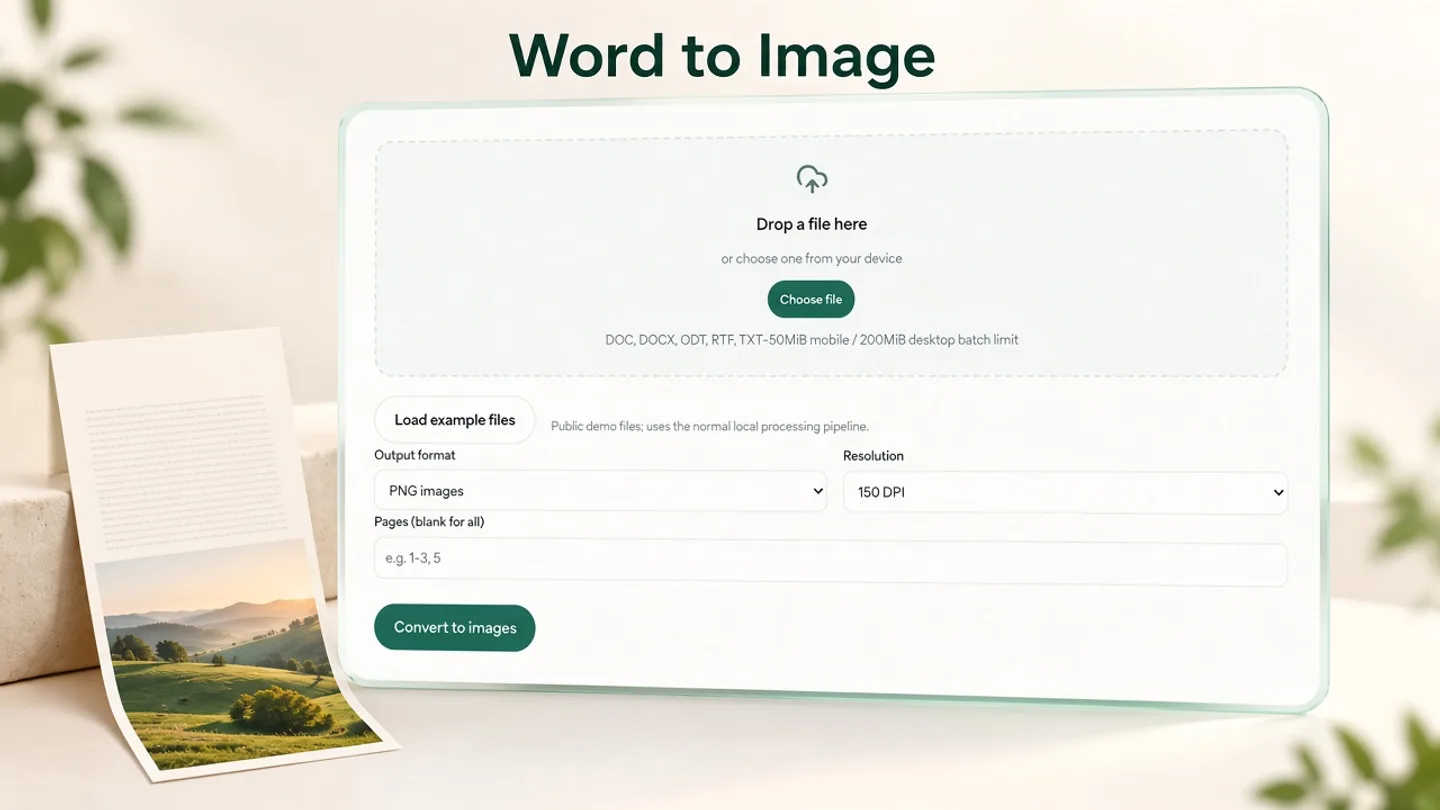
Export a Word page as an image for a visual handoff
Sometimes you need a picture of a document page for a message, slide or preview.
Read more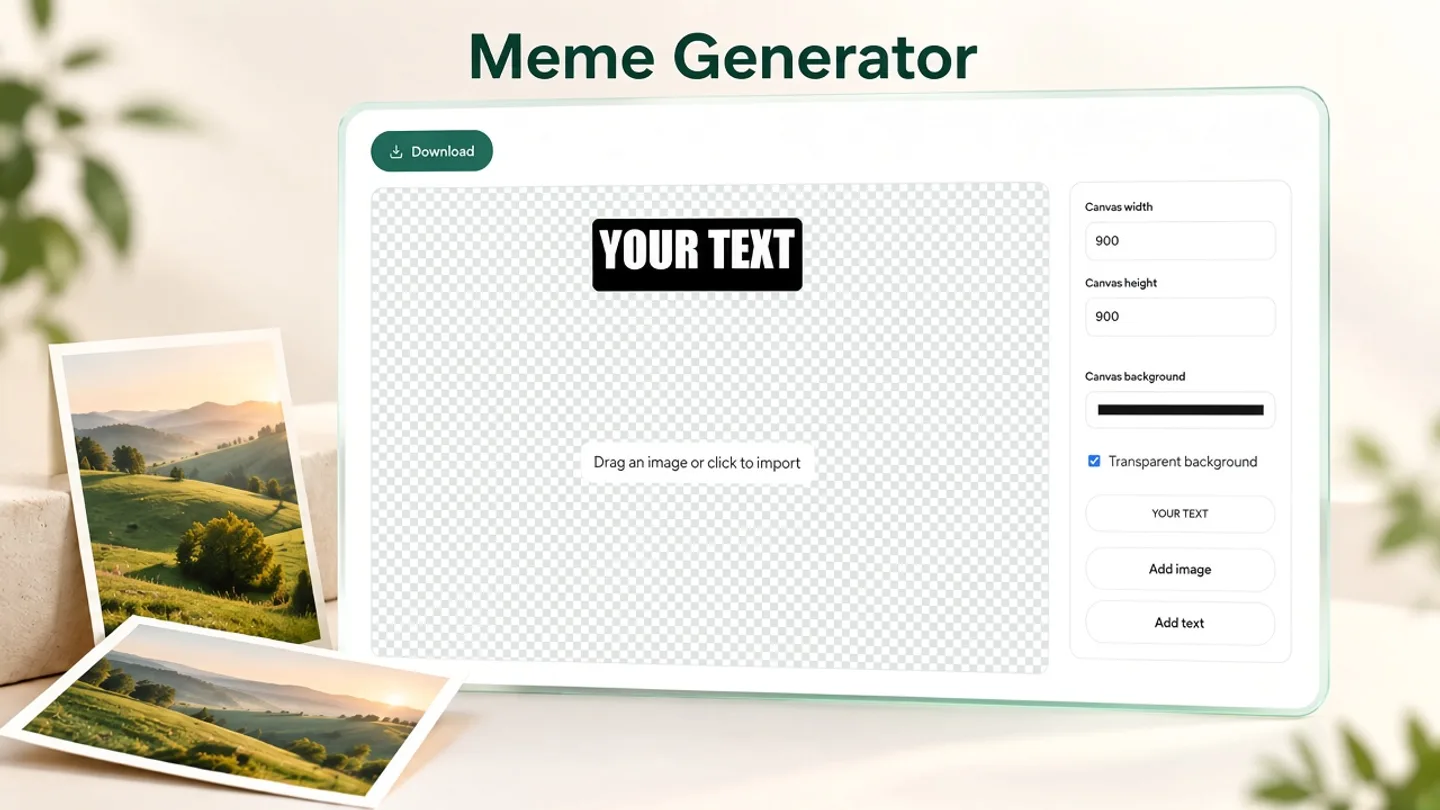
Build a readable meme from your own pictures
A meme depends on a quick visual idea and a caption that can be read at a glance.
Read more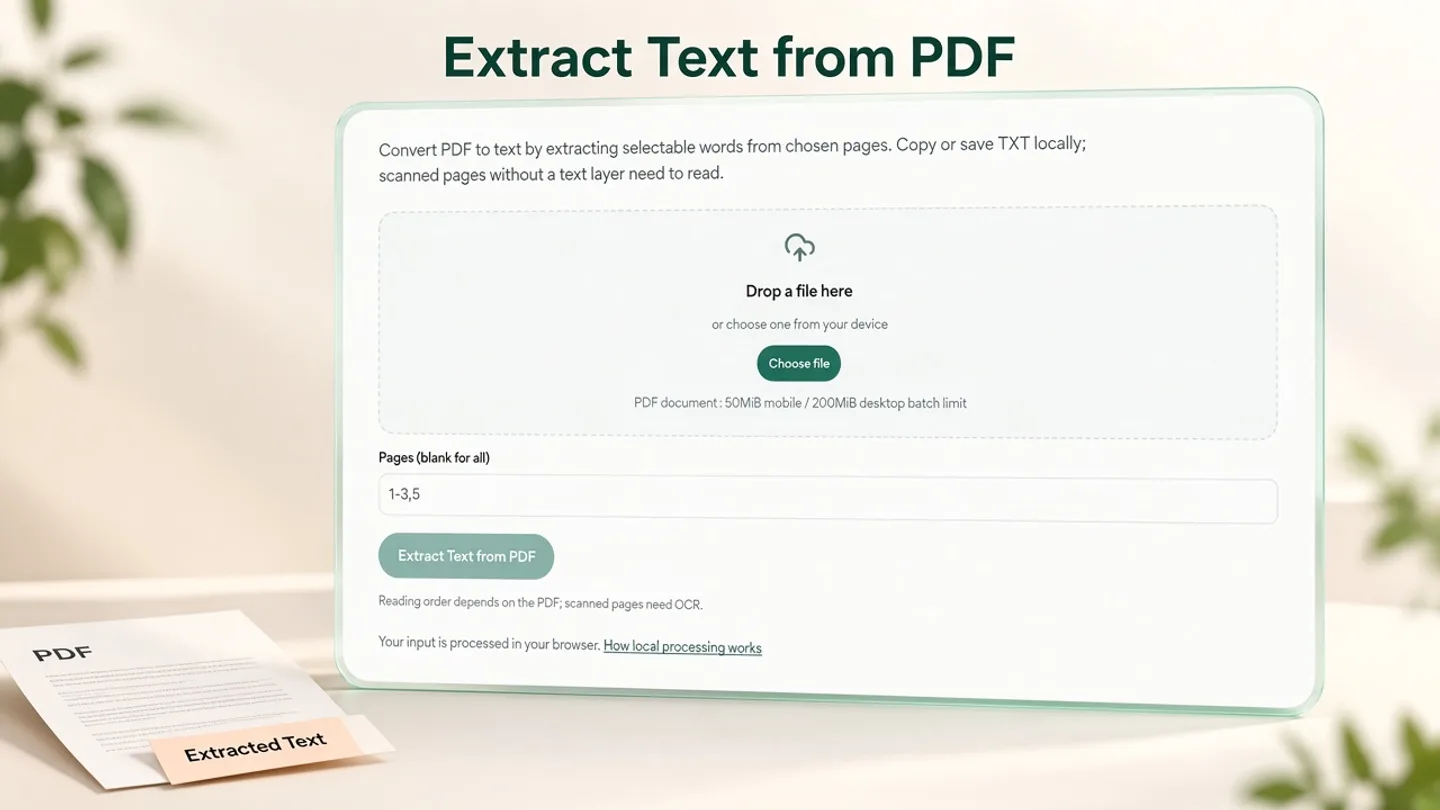
Get editable text from a PDF that already has a text layer
A PDF contains a paragraph you need for notes or editing, but copying page by page is tedious.
Read more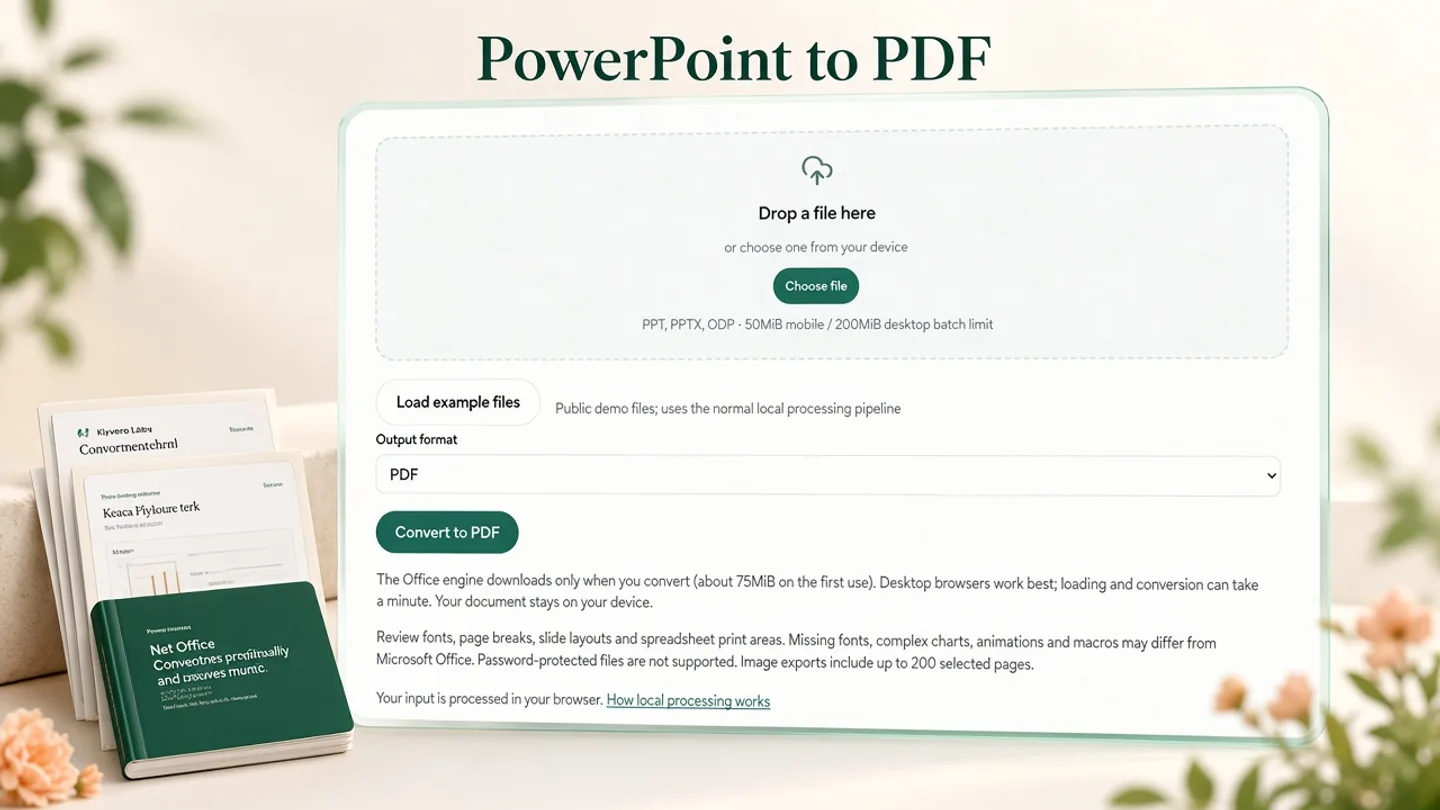
Create a PowerPoint PDF handout that reads well on its own
A slide deck often depends on a presenter and animation, while a PDF handout has to stand on its own.
Read more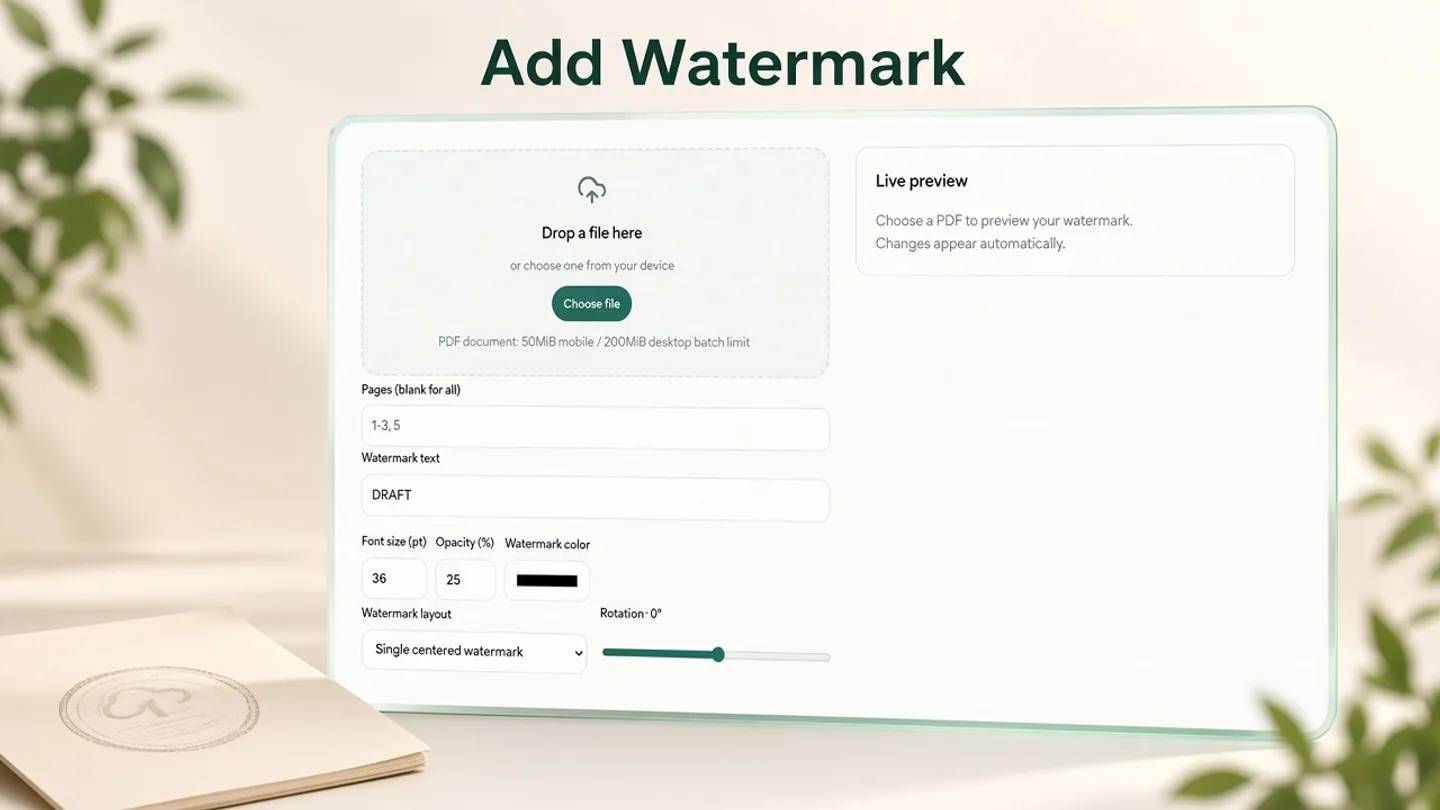
Mark a PDF as a draft without making it hard to read
A review copy should be easy to distinguish from a final document.
Read more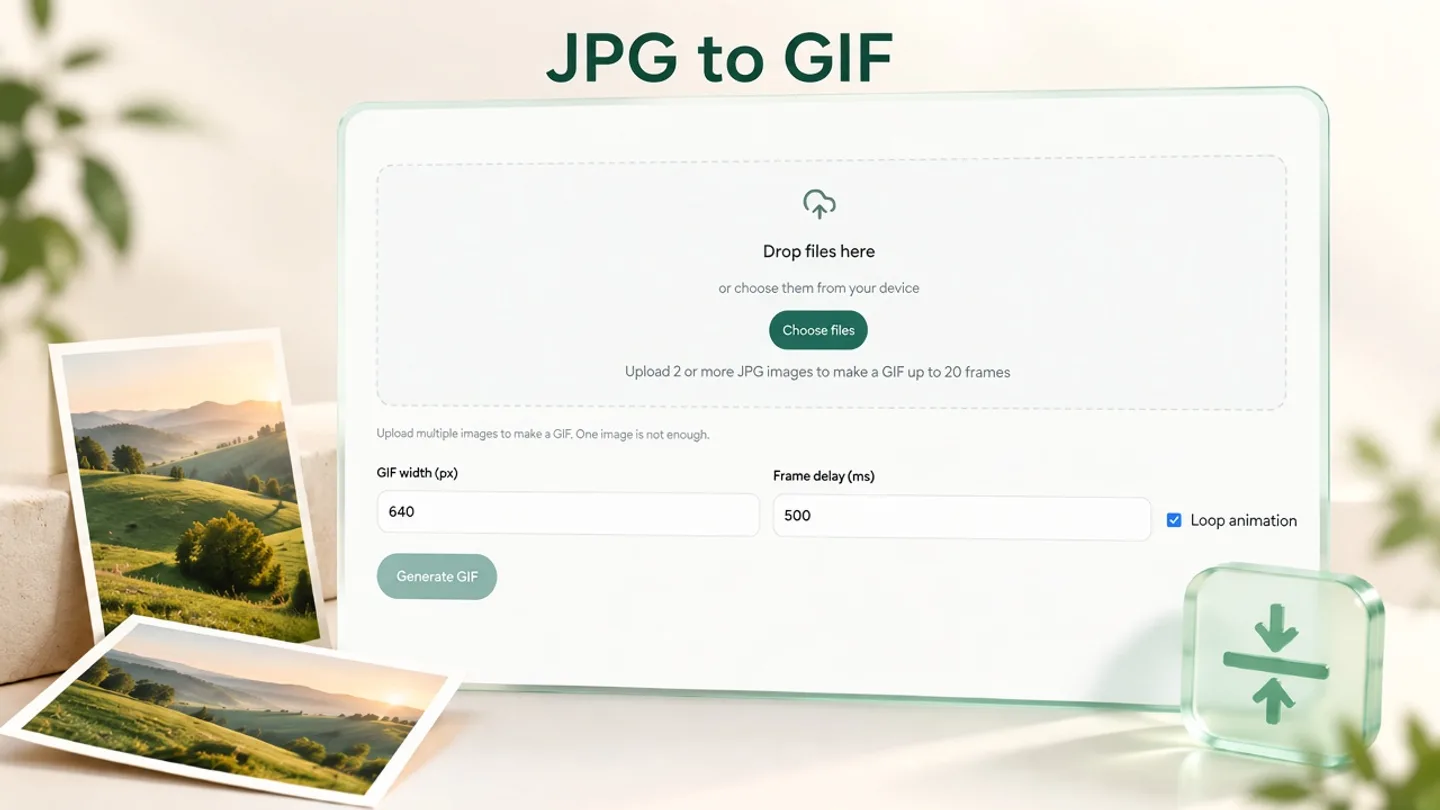
Turn ordered JPEG photos into a simple looping GIF
A sequence of progress photos can tell a story better than one still image.
Read more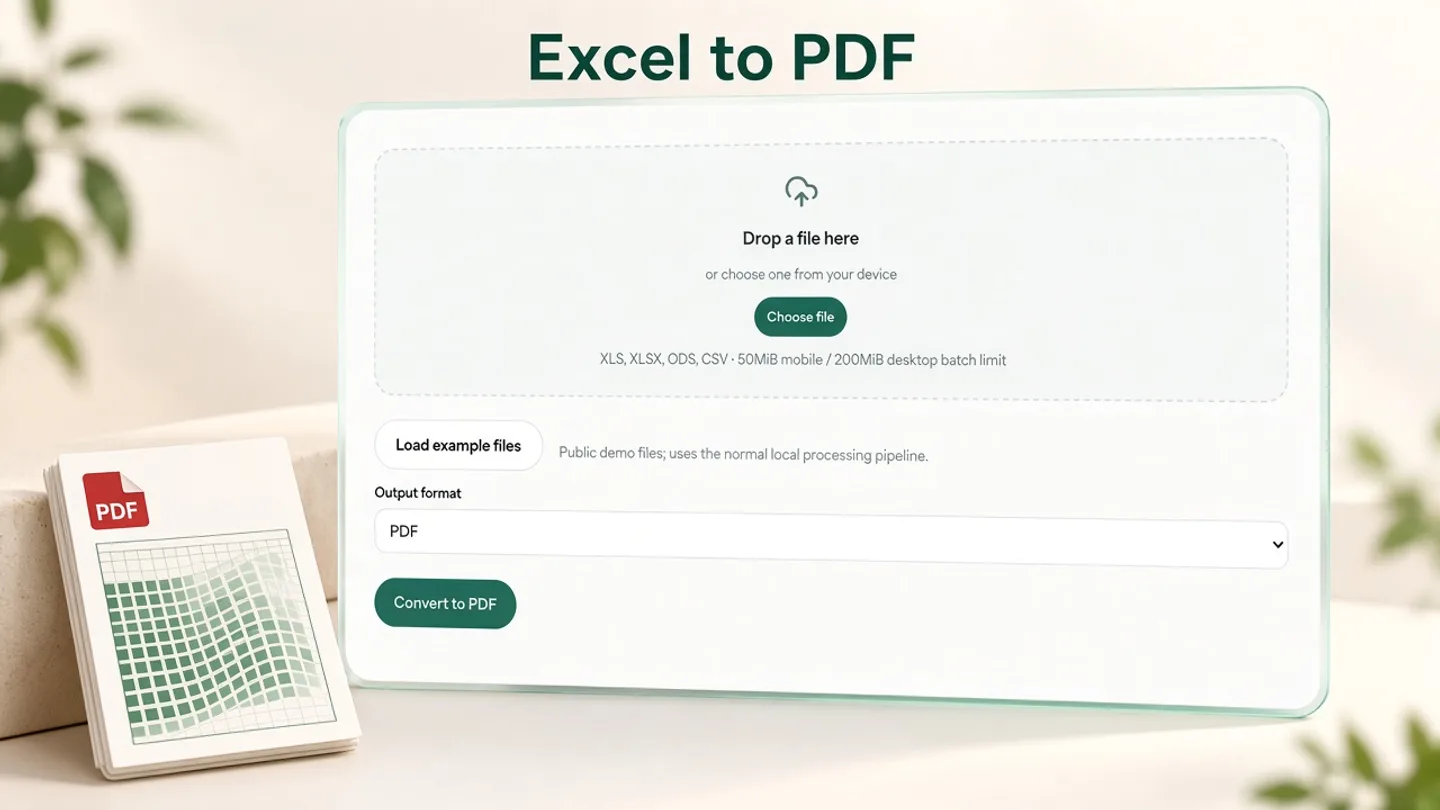
Export a spreadsheet to PDF without cutting off columns
A workbook that looks clear on a wide screen can spill into awkward pages when printed or exported.
Read more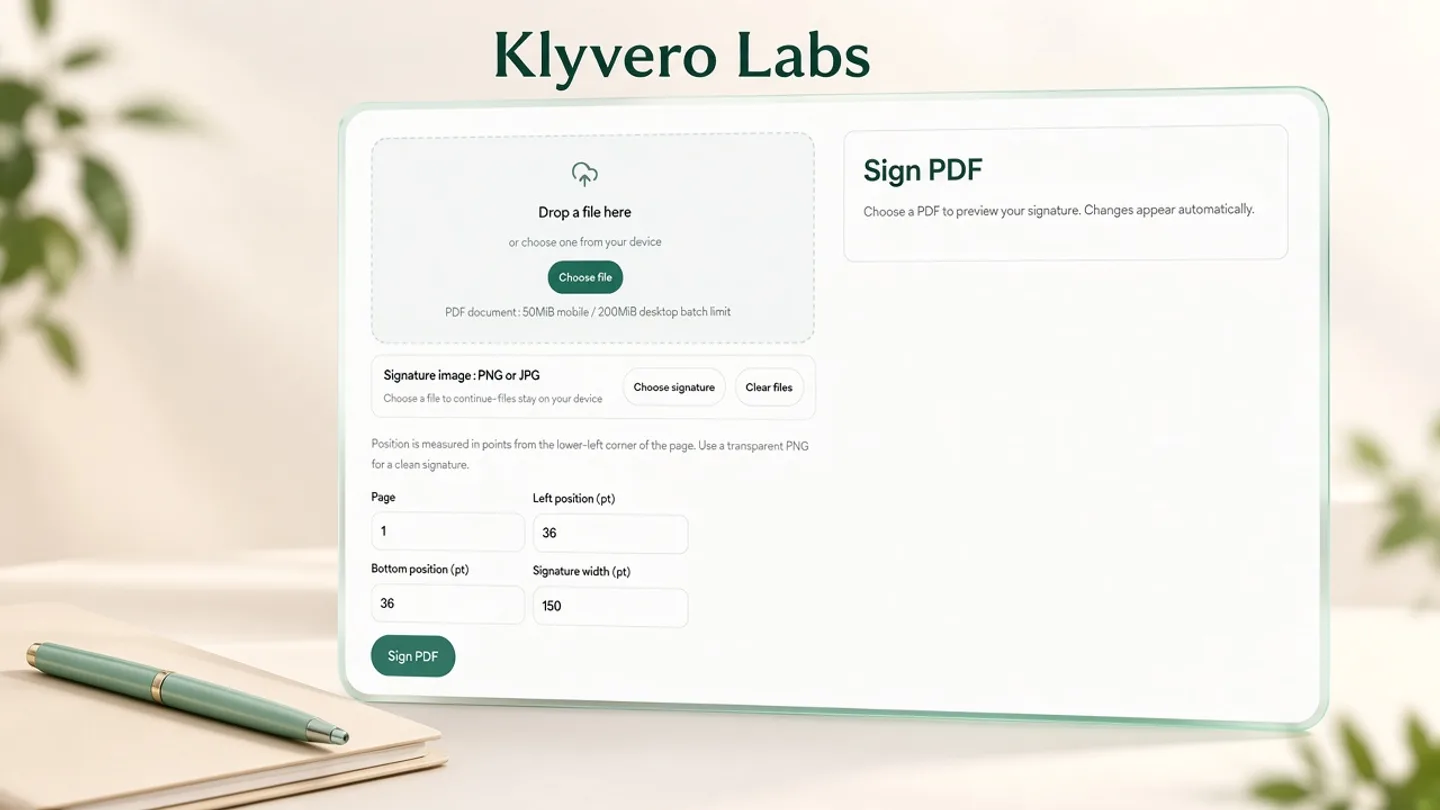
Place a signature image on the correct PDF page
A document needs a visible signature mark in a particular field, and you already have an image of the signature.
Read more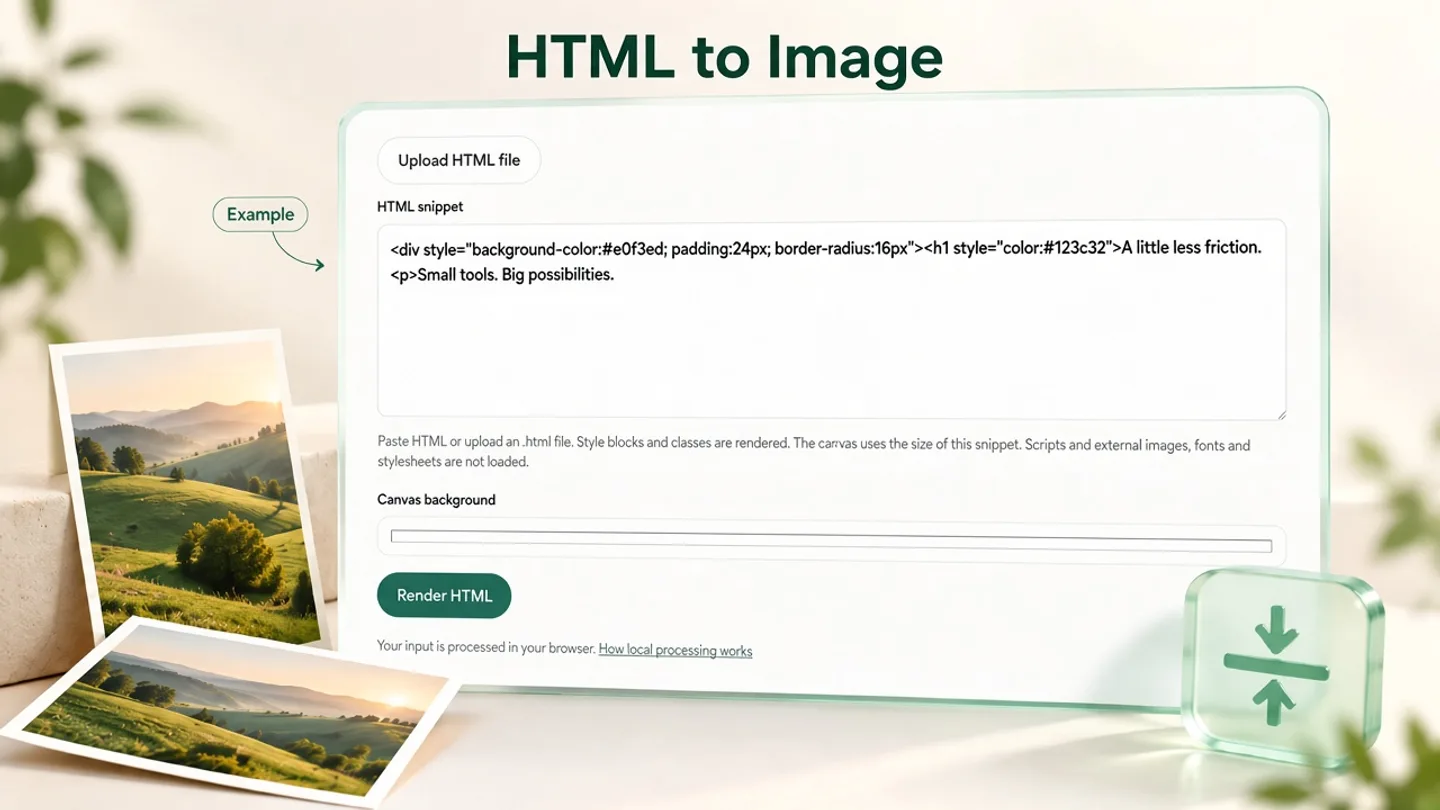
Turn a self-contained HTML snippet into a shareable visual
A short announcement or styled code example needs to become a picture.
Read more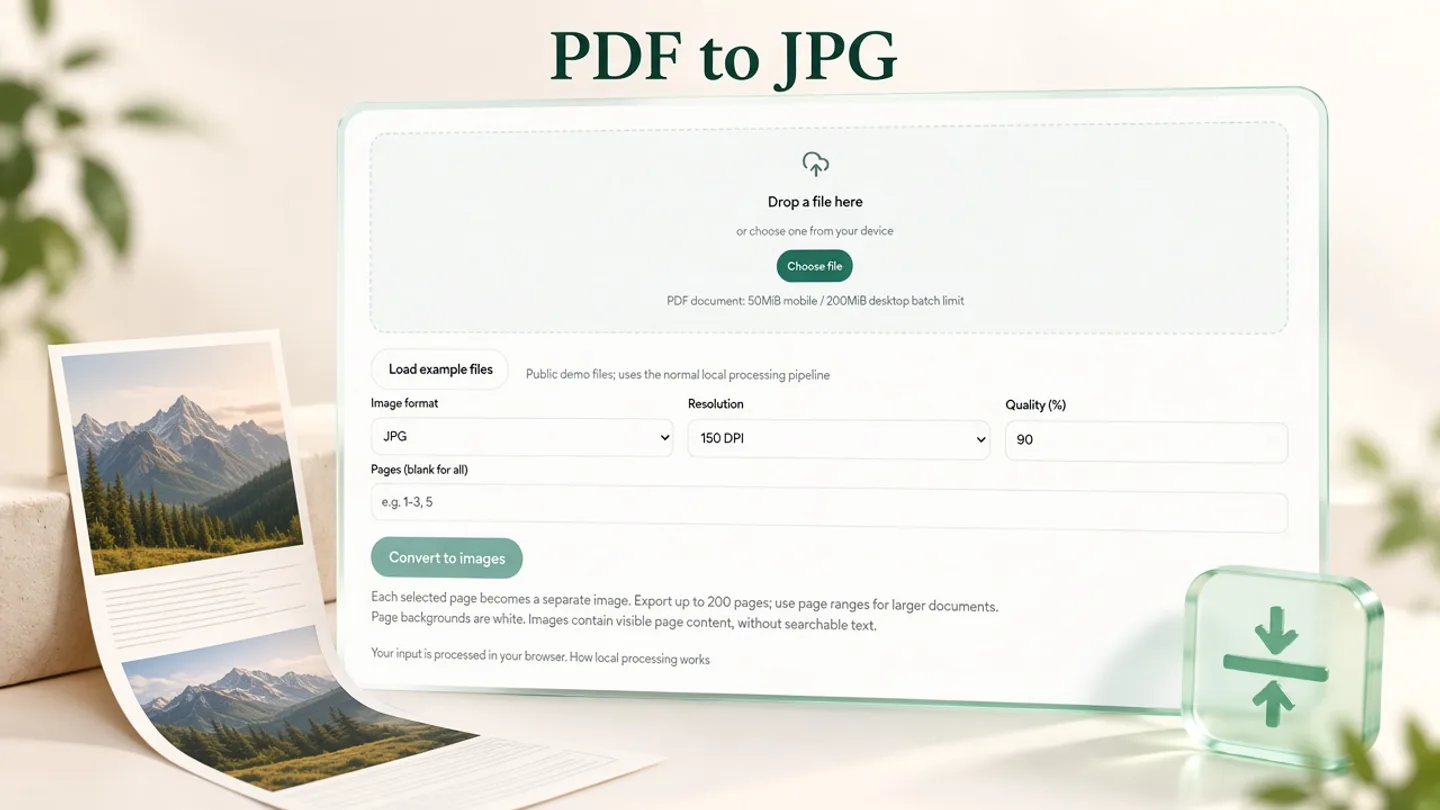
Export PDF pages as JPG for everyday image sharing
A platform accepts JPG attachments but not PDFs, or a slide needs a quick page preview.
Read more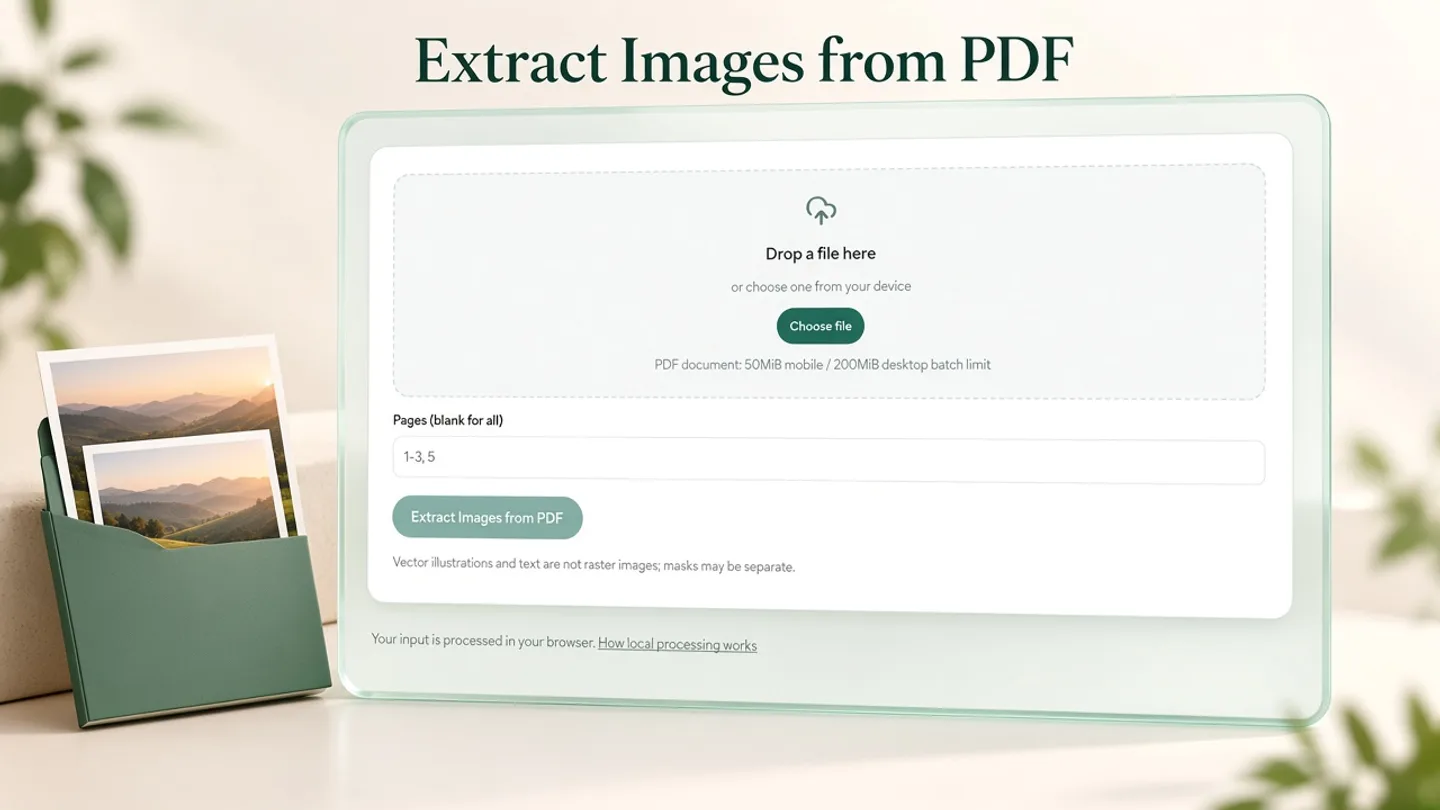
Extract the pictures inside a PDF, not the whole page
A brochure contains photographs you need as separate files, but saving a screenshot of every page includes headings, margins and other unrelated content.
Read more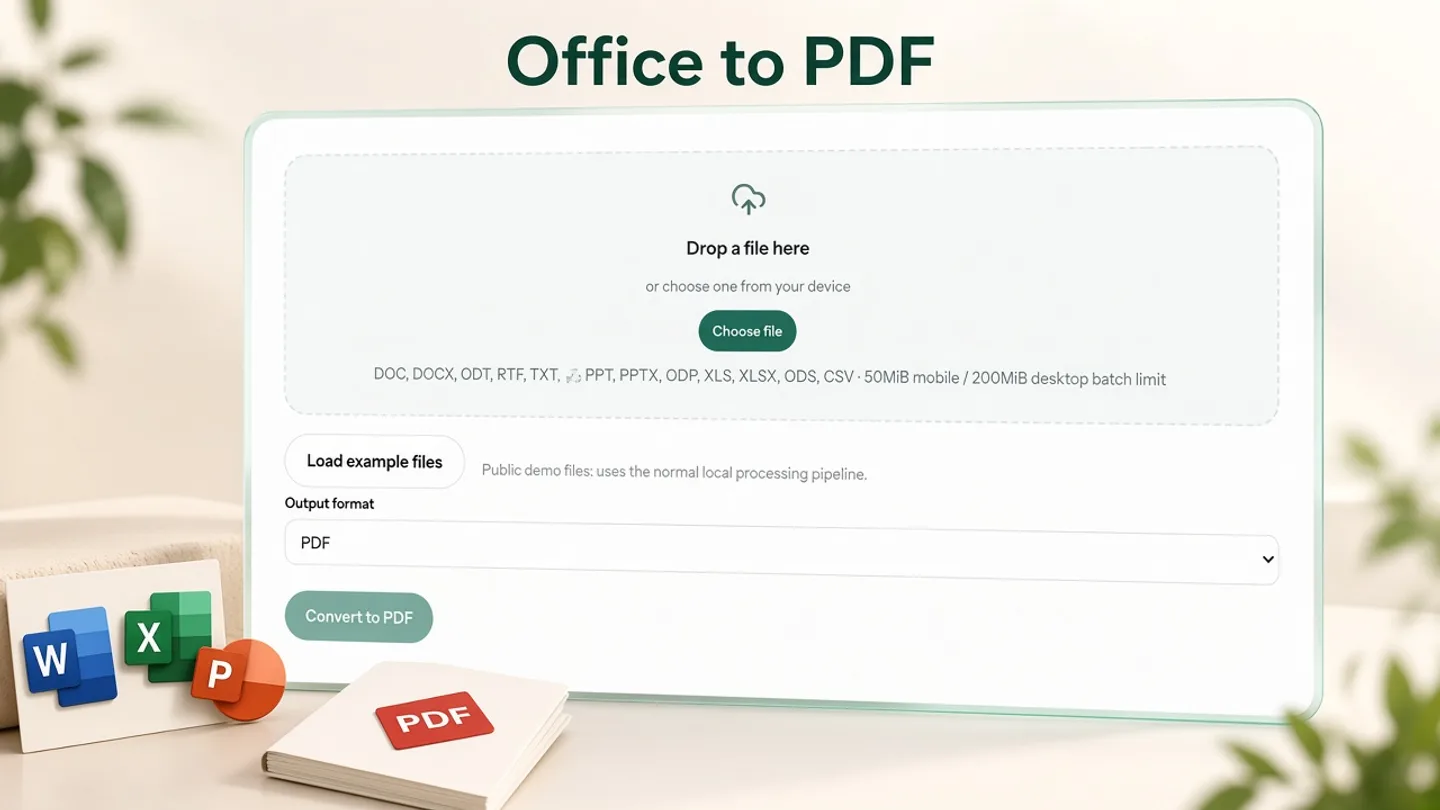
Choose a shared PDF handoff for mixed Office documents
A team may collect reports, slide decks and spreadsheets but want a common PDF format for review.
Read more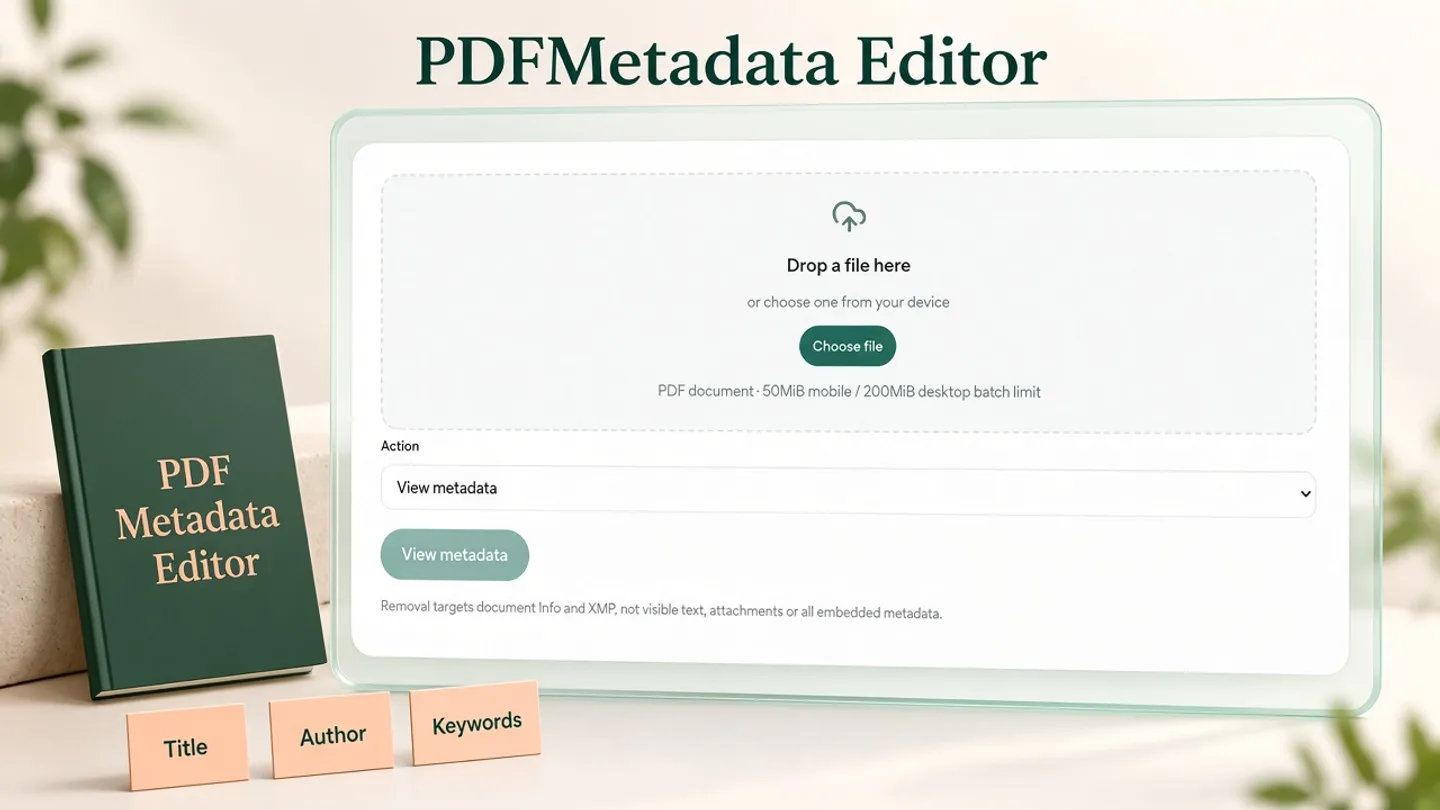
Review PDF properties before you share the document
A report may carry an outdated title or a previous author name in its document properties.
Read more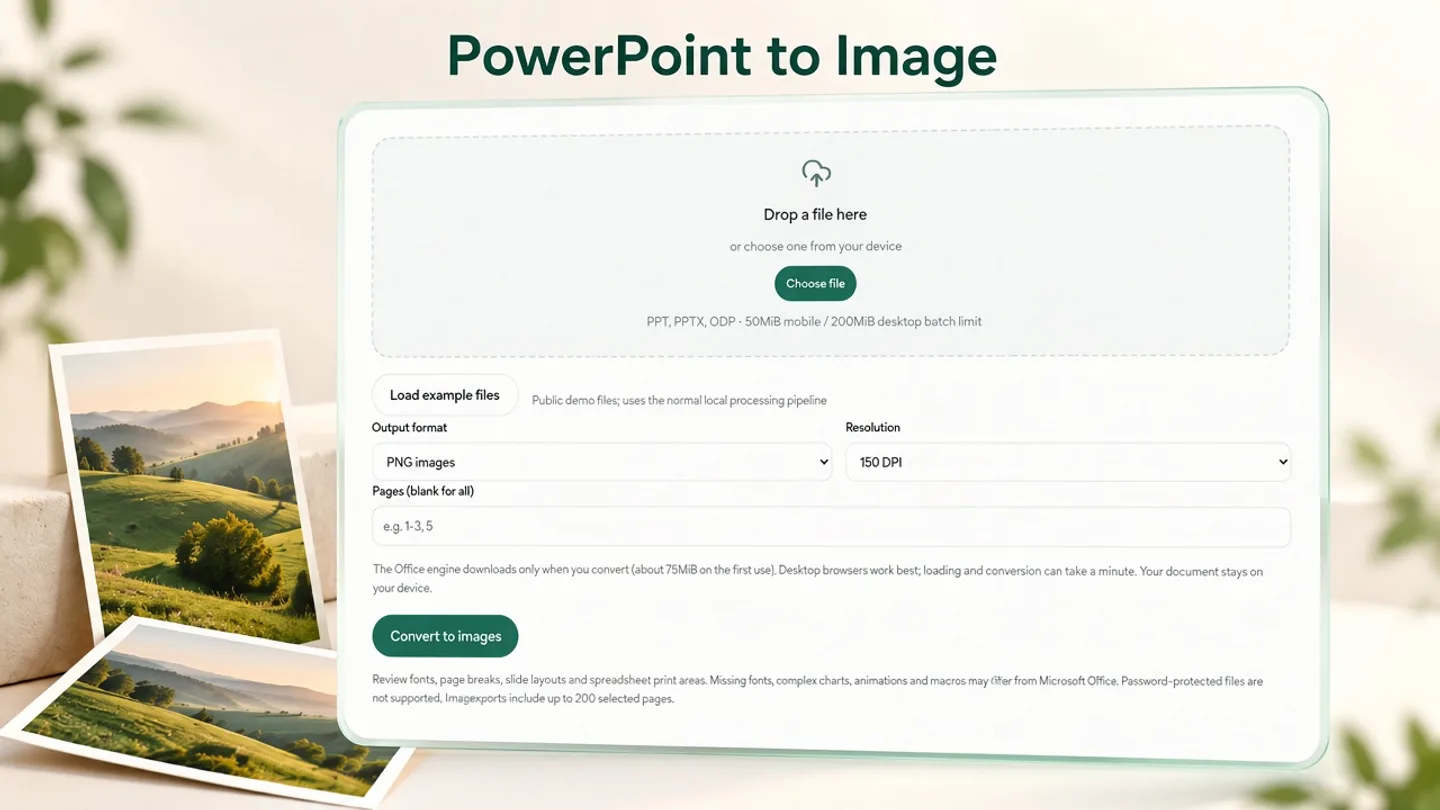
Save selected slides as images without assuming they stay interactive
A message or web page may need only a few slides from a presentation.
Read more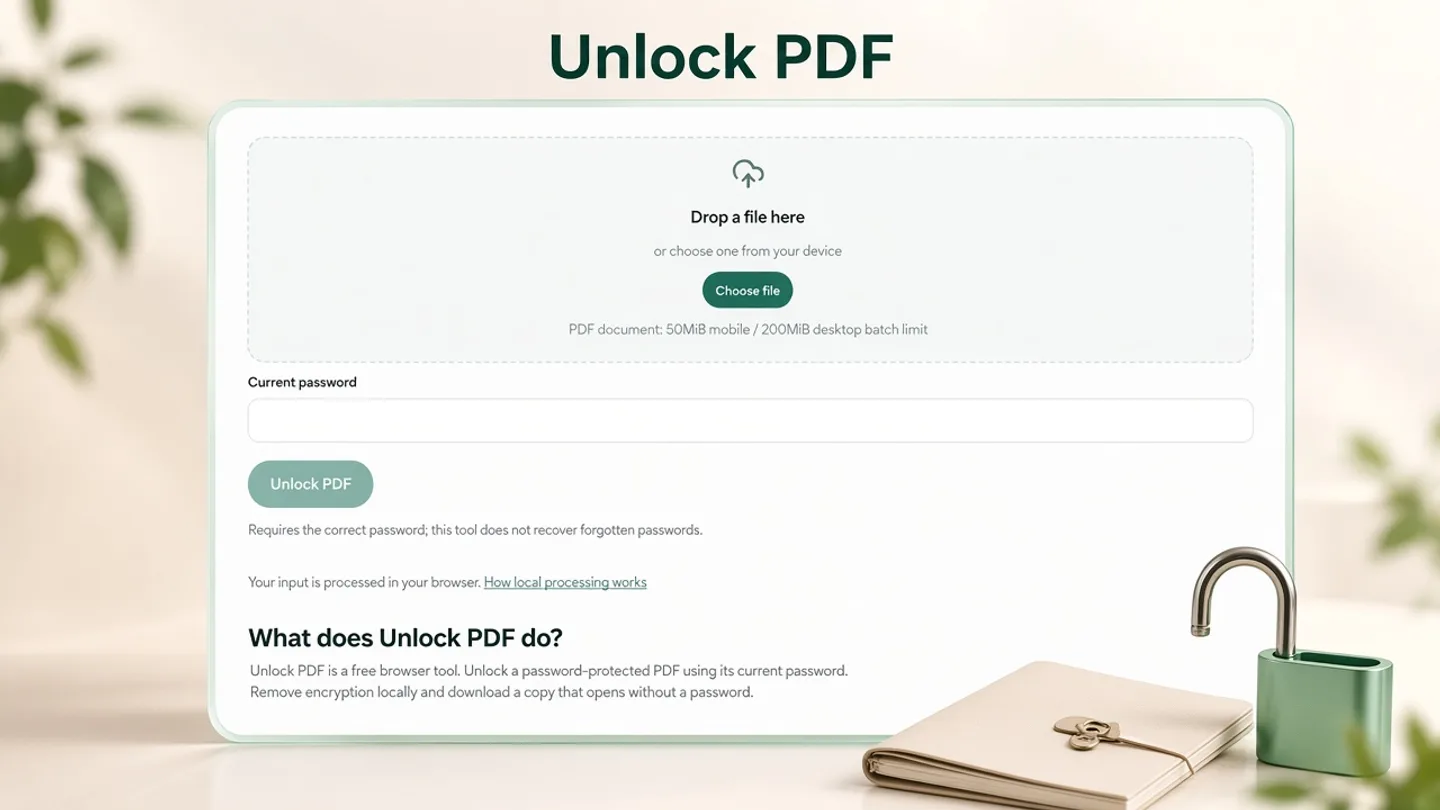
Make an unlocked PDF copy when you know the password
A PDF you are authorized to use requires an opening password every time, and your workflow needs an unencrypted copy.
Read more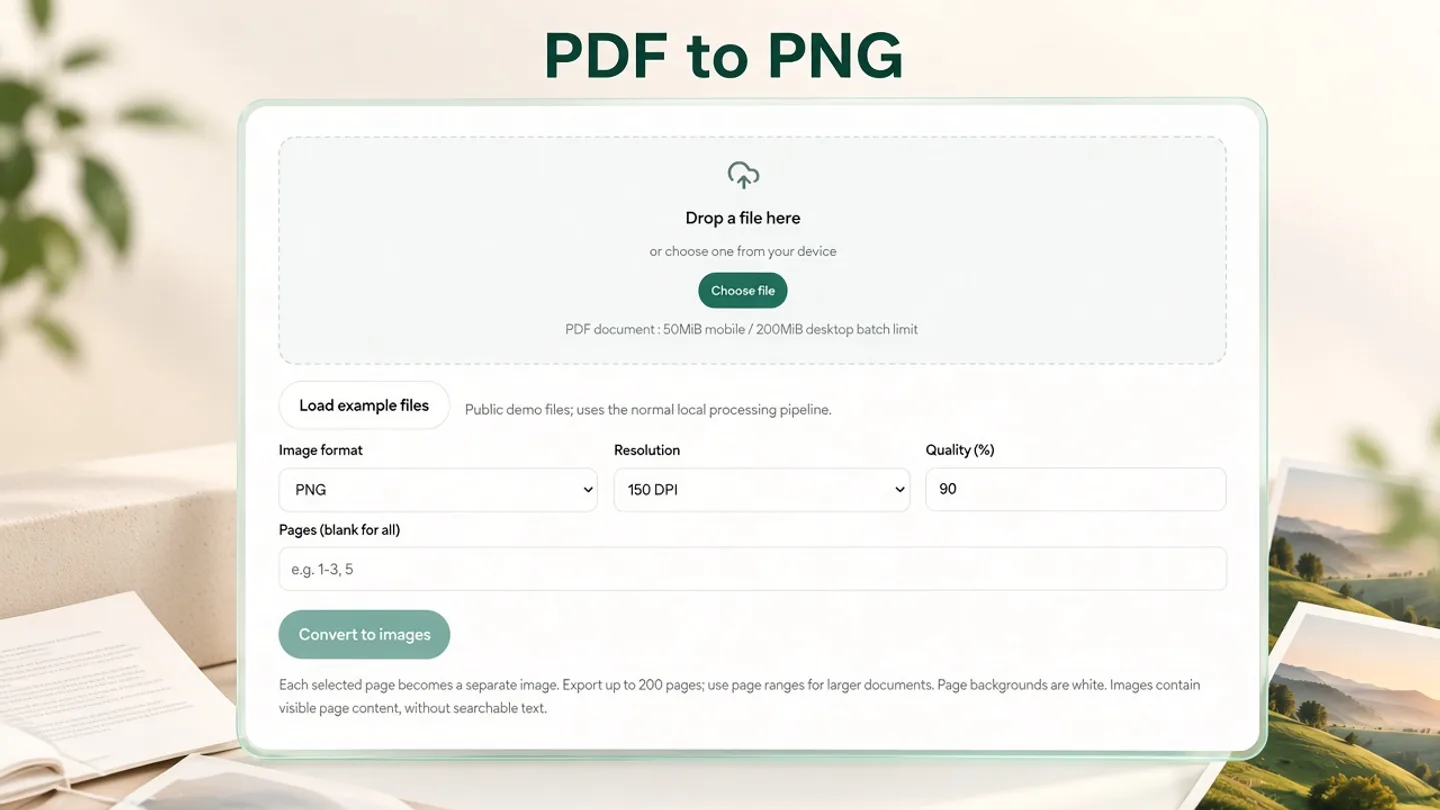
Export PDF pages as PNG when sharp edges matter
A PDF page contains a diagram or text-heavy layout that needs to be shown as a picture.
Read more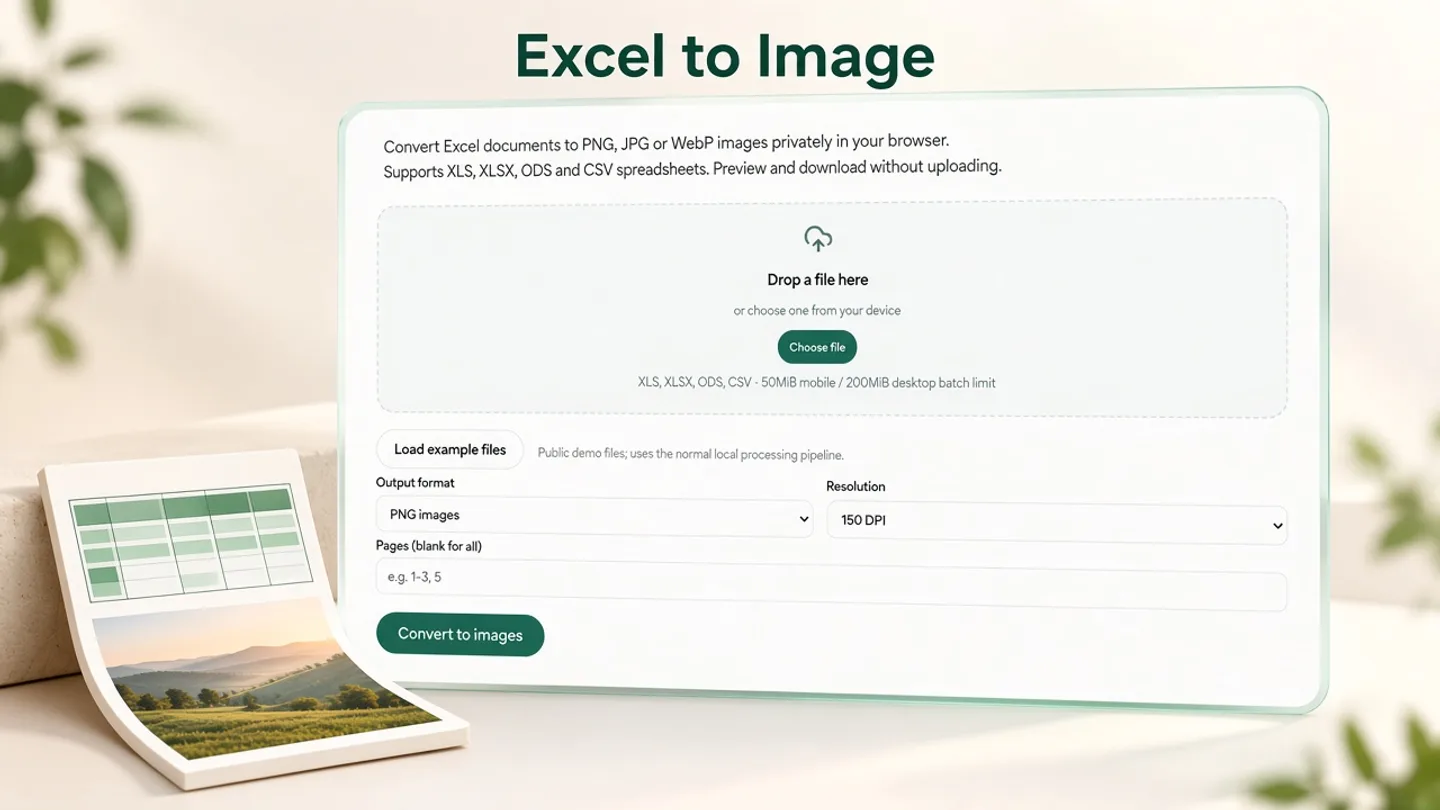
Create a spreadsheet image that contains the full table
A spreadsheet snapshot is useful in a message or presentation, but a clipped total or unreadable row heading can change its meaning.
Read more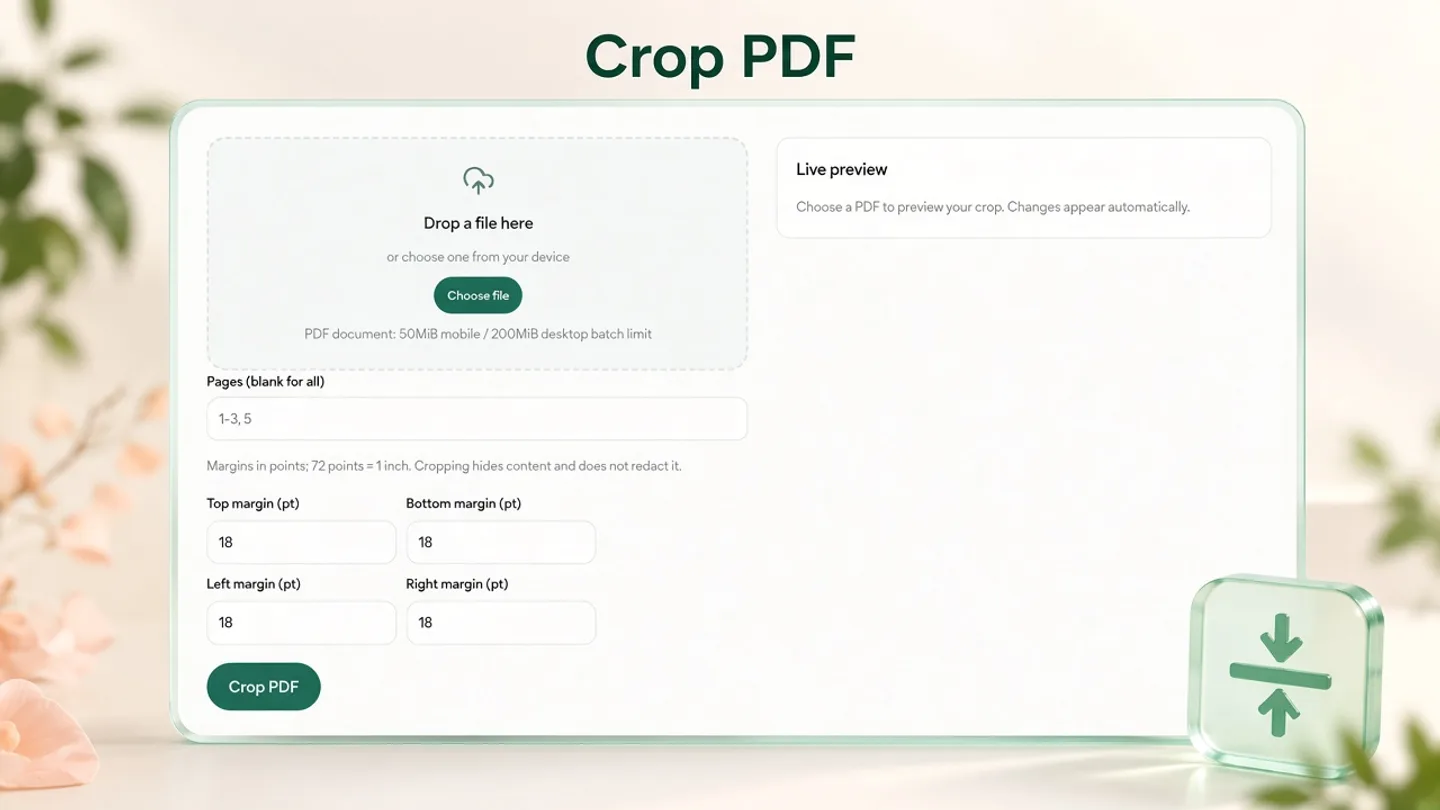
Trim PDF margins while keeping cropping separate from redaction
A PDF has wide scan borders that make the useful content small on screen.
Read more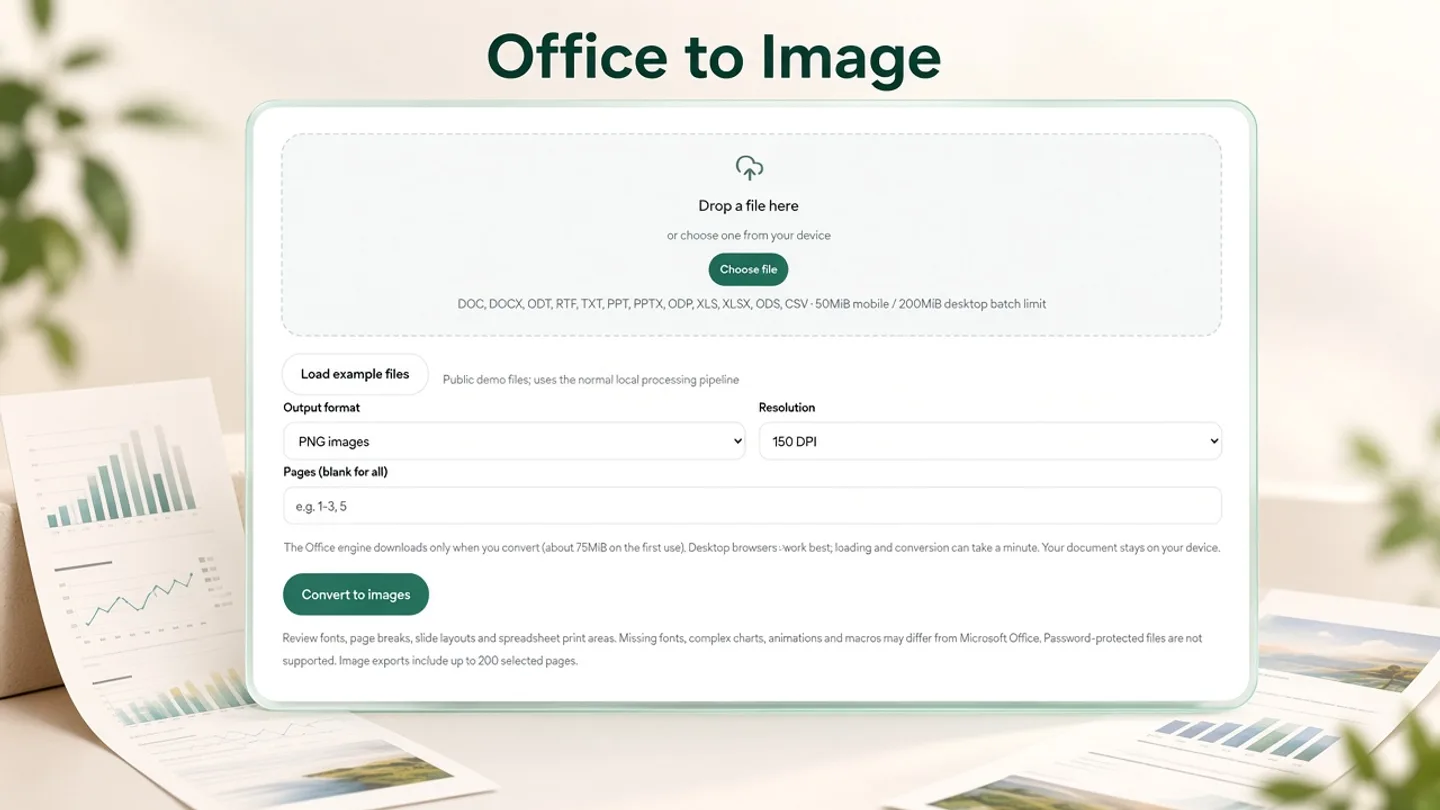
Make page-image previews from Office files deliberately
An Office file may be difficult to preview in a message where a simple image is easier to open.
Read more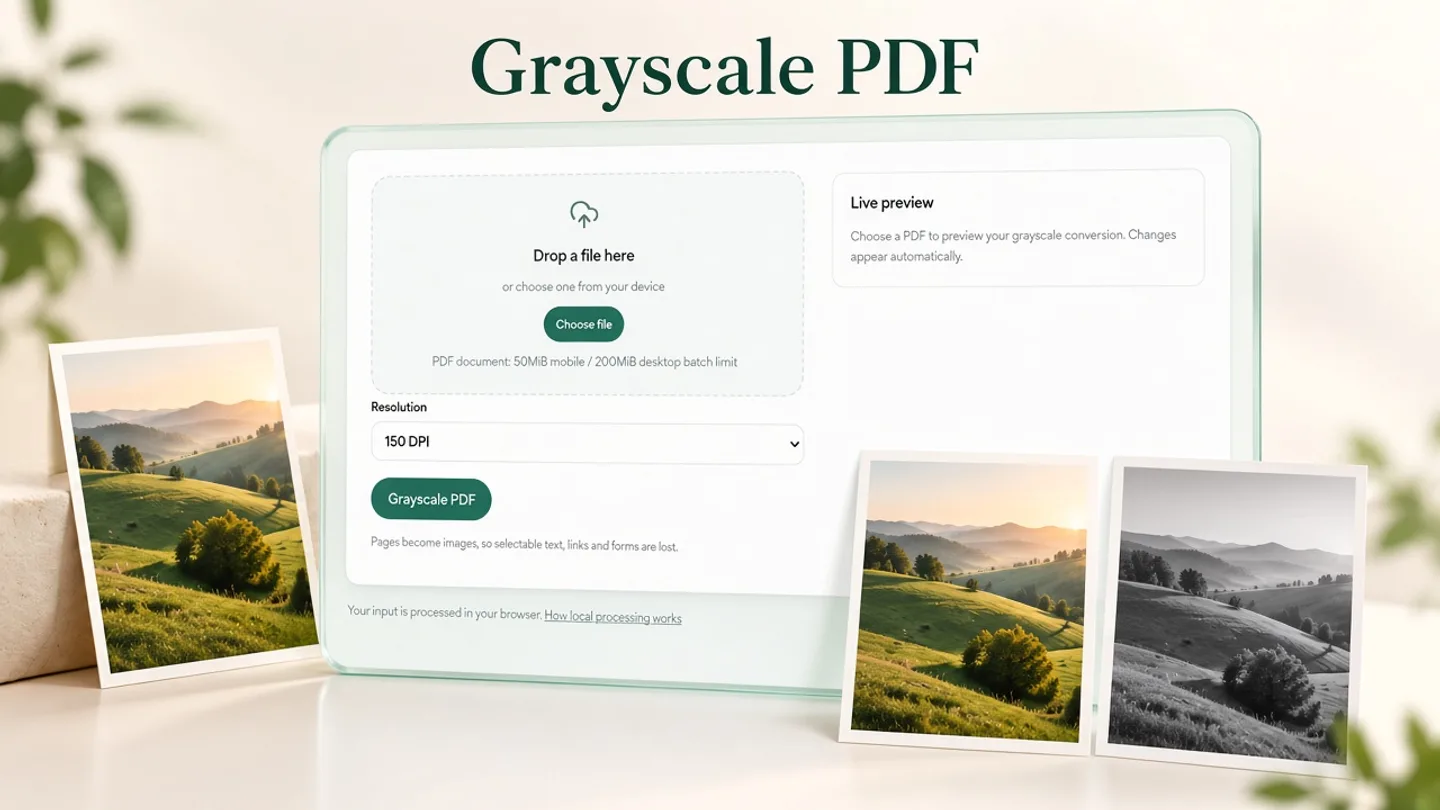
Make a grayscale PDF and check what rasterization changes
A color handout needs a grayscale version for a printing or sharing workflow.
Read more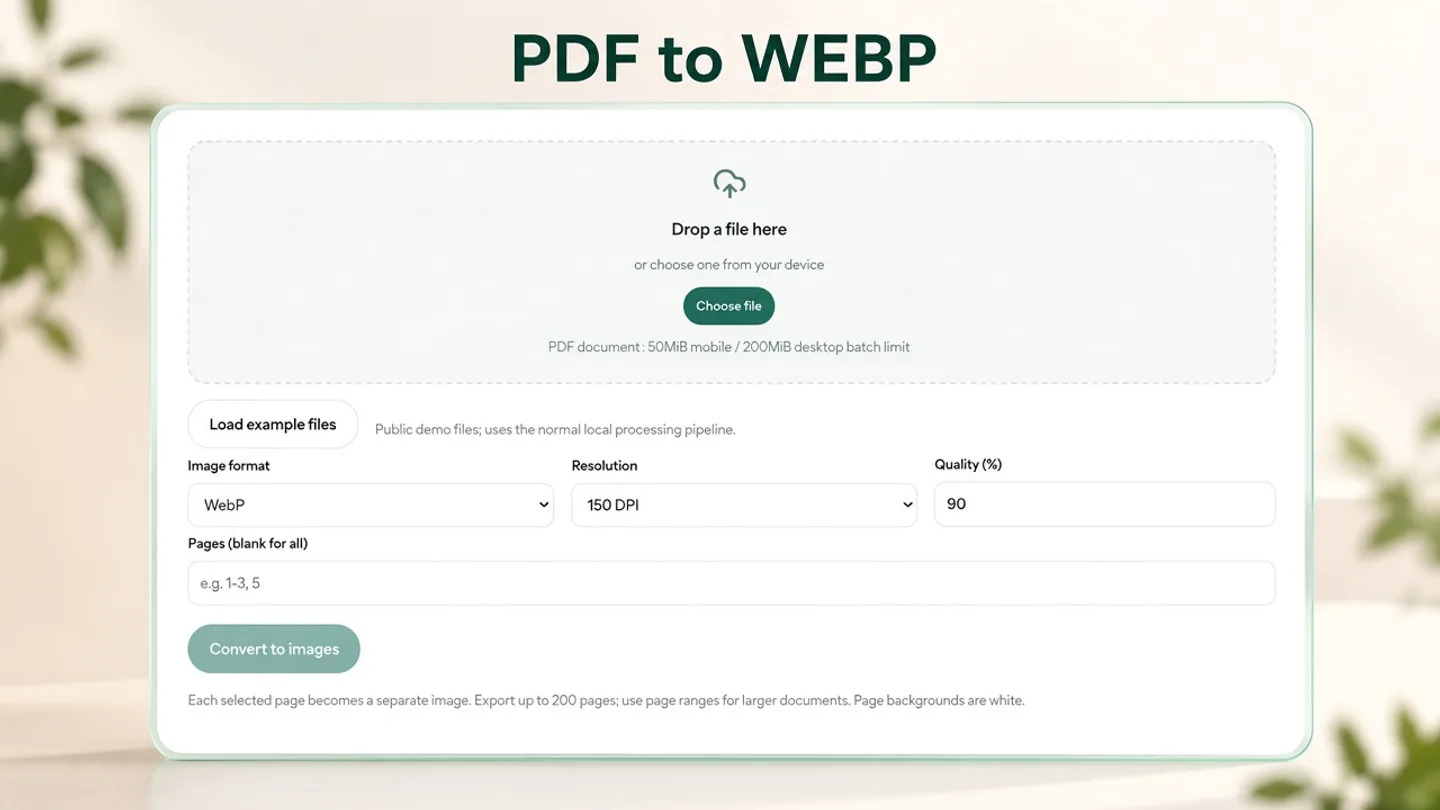
Make WebP page previews while keeping the original PDF
A web page needs a visual preview of a PDF, and WebP is an accepted image format in the publishing workflow.
Read more