Use Base64 for text transport, not for hiding secrets
A system expects a text payload, while your source is an image or a sequence of bytes.

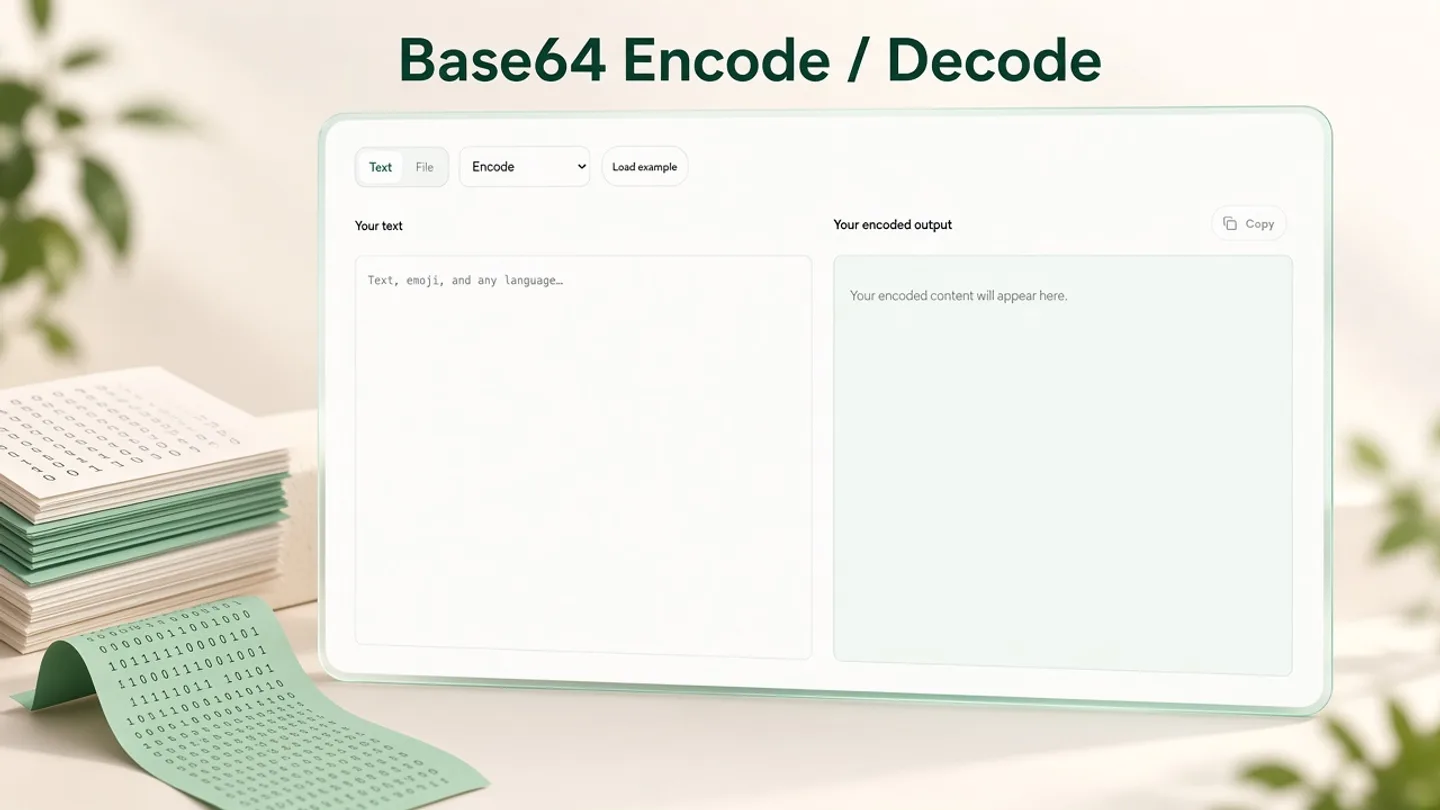
A system expects a text payload, while your source is an image or a sequence of bytes. Base64 can bridge that format boundary, but it is easy to mistake the unfamiliar output for protection. Anyone with a Base64 value can decode it.
This guide uses Klyvero Tools Base64 Encode / Decode for a focused workflow: use Base64 for text transport, not for hiding secrets. The aim is a result you can inspect and use with confidence, while keeping the source available for corrections.
Open the tool to follow this Base64 Encode / Decode workflow in your browser.
Check the receiving system’s representation rules
Before generating or converting a value, identify the form the receiving application expects. A value can be valid in one representation and rejected in another. Keep units, separators, capitalization and any required prefix with your notes so the result remains understandable after it leaves the browser.
Use a public or invented sample to learn the controls before working with a real workflow. Save the relevant settings alongside the result when reproducibility matters. Compare the output with the receiving system’s documented rules, then test a small example there. A successful local operation establishes only what this tool did; it does not prove that another application will interpret the result as you intend.
Choose settings for the task
Choose Text mode for a string and File mode when you need the original bytes back. Text uses UTF-8 so non-English characters and emoji can round-trip. Use URL-safe output only when the receiving format calls for it. A data URI adds a media-type prefix to the encoded bytes, which is useful only in destinations that support that syntax.
Use Base64 Encode / Decode step by step
- Identify whether the input is text or file bytes.
- Choose encode or decode and the appropriate mode.
- Select standard or URL-safe handling as required.
- Inspect the result and test a representative round trip.
- Copy or download the payload in the format the receiver expects.
Work through a small representative input before applying the operation more broadly. Keep track of the settings you chose so an unexpected result can be reproduced and corrected.
A practical example
The text Hello encodes to SGVsbG8=. Decode that value to check the round trip before working with a larger payload. For an image, a data URI might begin with data:image/png;base64, and then contain the encoded file. When the application expects only the Base64 part, the prefix itself may need to stay out of the field.
Understand the limitations
Base64 is reversible encoding, not encryption. It usually expands binary data by about a third before wrappers. Ordinary file transfer is often more efficient when the destination accepts a file directly.
Keep the result only as long as your workflow needs it and store any value that must be recoverable in your normal system of record. A generated value or converted payload is not a backup strategy. Recheck the receiving application after pasting, because extra spaces or a missing prefix can change how it is interpreted.
Review the result before using it
Confirm whether the receiving system wants standard or URL-safe characters and whether a MIME prefix belongs in the value. Decode a small representative sample to verify text and bytes. An image that displays in one context is not proof that a different API field accepts the same wrapper.
The live tool describes local browser processing. Processing assets may still need to download before the operation can run. Save the finished output before clearing the tool or leaving the tab, and confirm that the copy you use is the reviewed result.
Frequently asked questions
Can I use Base64 to conceal a password?
No. It can be decoded without a secret. Treat encoded secrets with the same care as their original values.
How should I validate the output?
Check its representation and meaning in the application that will consume it. Retain the settings, source and any unit information needed to understand the result; generation or conversion alone does not validate another system’s rules.
Does a completed operation mean the result is ready to share?
Open or inspect the saved output first. Confirm the settings, selected content and destination requirements, and keep the source until the reviewed copy works as intended.
Useful next steps
- JSON Formatter: A related developer workflow when your next task needs it.
- UUID Generator: A related developer workflow when your next task needs it.
- Explore Klyvero Labs products: Browse our apps and browser tools.
Ready to try this workflow? Open Base64 Encode / Decode, start with a representative input and review the saved result. Try the tool free.
Back to all articles