Make JSON readable and check it before you use it
Format compact JSON, inspect nested data and understand what validation can tell you. Keep an eye on large identifiers, duplicate keys and the final output.

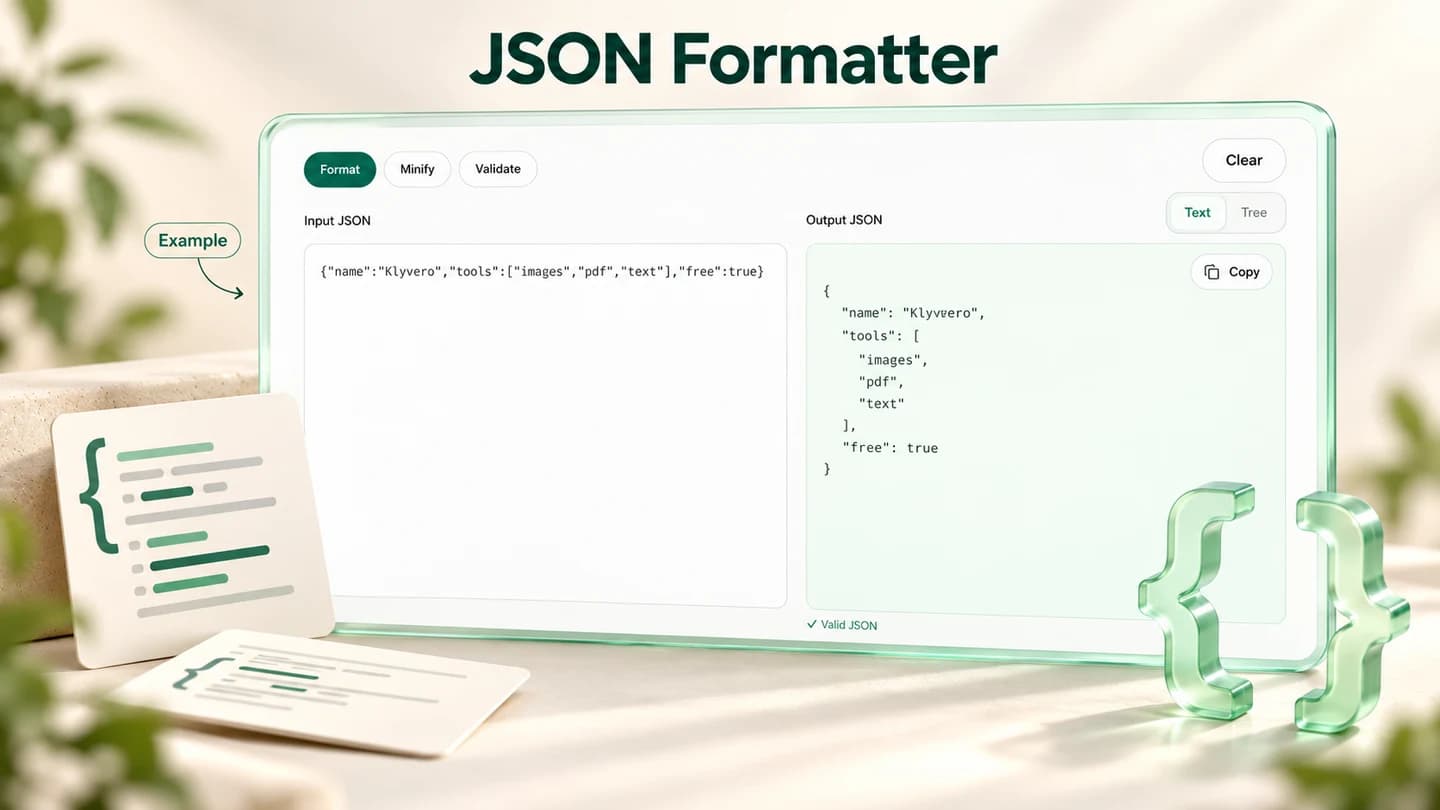
A compact API response can be valid JSON and still be difficult to review. Nested arrays disappear into a long line, a missing comma is easy to overlook and a number may look harmless until an application reads it differently. Readable formatting gives you a better starting point for inspection.
Klyvero Tools JSON Formatter provides Format, Minify and Validate actions, a text output and a collapsible tree view. Developers, students and anyone checking a configuration file can use it to understand a payload before copying it into another application. Keep the original input so you can compare the result.
Open the tool to format a payload and inspect its structure in your browser.
Start with JSON rather than a JavaScript object
Standard JSON uses double quotes around object keys and string values. Comments, single-quoted strings and trailing commas are not accepted. If you copied an object from a JavaScript example, check its syntax before expecting a JSON parser to accept it. Formatting does not automatically translate every programming-language object into JSON.
Copy only the intended payload. An error page, a log prefix or explanatory text around an object can prevent parsing. When working from an API response, make sure you have the response body you expected. Keep a source copy before editing so you can distinguish a syntax correction from a change to the data itself.
Format and inspect a payload step by step
- Open JSON Formatter and paste the JSON into Input JSON. Use Load example to explore with the public sample instead of application data.
- Choose an indentation setting and run Format. Review the output and validation status before copying anything.
- Switch the output to Tree when you need to explore nested objects and arrays. Expand the relevant branches and check their values.
- If parsing fails, inspect the reported syntax error and correct the source carefully. Run the action again after each correction.
- Copy the reviewed output or download the .json file. Check the receiving application with its own validation and expected field rules.
The current interface displays a 10MiB input limit. Processing runs locally, and the page offers a syntax-editor option as well as the standard text input. Keep inputs within the displayed limit; formatting a large payload can still demand browser resources.
Example: compact input becomes a readable structure
The live example contains the name Klyvero, a tools array with images, pdf and text, and a free value of true. Loading it produces indented output with a Valid JSON status. The screenshot shows the compact input beside that output. With two-space indentation, nested array values are easier to distinguish from the surrounding object.
The Tree view was also checked: its root object has three properties, and the tools branch contains three array items. That makes it easier to inspect where a value sits without scanning a long line. Still check the values themselves. A readable payload can contain a misspelled name, a wrong flag or an empty field.
Separate syntax checks from application checks
A valid JSON result means the parser accepted the grammar. It does not prove that a request meets an API schema, that a required field exists or that a quantity is sensible for your application. For example, a field can contain a string where the receiving system expects a number while remaining valid JSON.
Use your application’s documentation, schema validation or existing checks for those requirements. After fixing a parse error, verify field names and types rather than assuming the formatting step finished the investigation. Treat the formatter as a way to see the data clearly, then apply the rules of the system that will consume it.
Protect large identifiers and duplicate keys
The tool parses numbers using JavaScript numeric precision. Integers larger than 2⁵³−1 can lose precision when represented as numbers. If an identifier must remain exact, have the source encode it as a string before processing. Quoting a value after it has already been rounded cannot recover the original digits.
Duplicate keys need attention too: native parsing retains the last value for a repeated object key. Formatting can therefore hide an earlier value instead of merely changing whitespace. Do not use a parsed and reserialized copy as an exact archival replacement for the original response. Compare precision-sensitive fields before adopting the output.
Choose readable or compact output deliberately
Format adds indentation and line breaks to make inspection easier. Minify creates a compact representation for situations where extra whitespace is unnecessary. Neither action proves the data is correct for its destination, and both involve parsing rather than preserving every byte of the original input.
Before saving over a fixture or configuration, compare the relevant values with the source and run the checks appropriate to that file. Use a clear download name and keep the original until the new copy works as intended. Local browser processing avoids sending the payload to a formatting server; it does not replace normal care over what you copy into logs, tickets or shared documents.
Frequently asked questions
Does Valid JSON mean the API will accept it?
No. Syntax validation does not check an application schema, required fields or business rules.
Can I paste JSON with comments?
No. The tool accepts standard JSON, which excludes comments and trailing commas.
Are very large numeric identifiers preserved?
Not reliably as numbers. Encode precision-sensitive identifiers as strings in the source before processing.
What happens to duplicate object keys?
Native parsing keeps the last value. Keep the original input and inspect repeated keys before relying on a formatted copy.
Useful next steps
- Explore Klyvero Tools: Find related text and developer utilities.
- Text Diff Checker: Compare source and output when reviewing an edit.
Ready to inspect a payload? Format it, check its structure and verify the fields your application expects. Try the tool free.
Back to all articles